The AI Website Builder Agencies Run in the Browser.
Zyan Build is the AI website builder for web design agencies: a browser IDE where your team, Claude Code and Codex work the same client repo, with a file tree, editor, live preview and a real terminal in one window. Nothing to install.
 Avid Auto Detailing · Derry, NH · auto detailing
1


From client repo to pull request, with an AI coding agent.
One tab holds the whole loop, and every change lands as a commit the agency can read.
Clone the client repo
Open the client’s repo in the browser IDE: file tree, editor, live preview and a real terminal together, with nothing to install locally.
Pair with the agent
Ask for a change, then review the diff beside the live preview. The full run, including the prompt, stays in the activity history.
Push the pull request
Commit, push and open the PR in one window. Follow its status, then deploy to Vercel or over FTP. Each terminal session runs in its own sandbox.

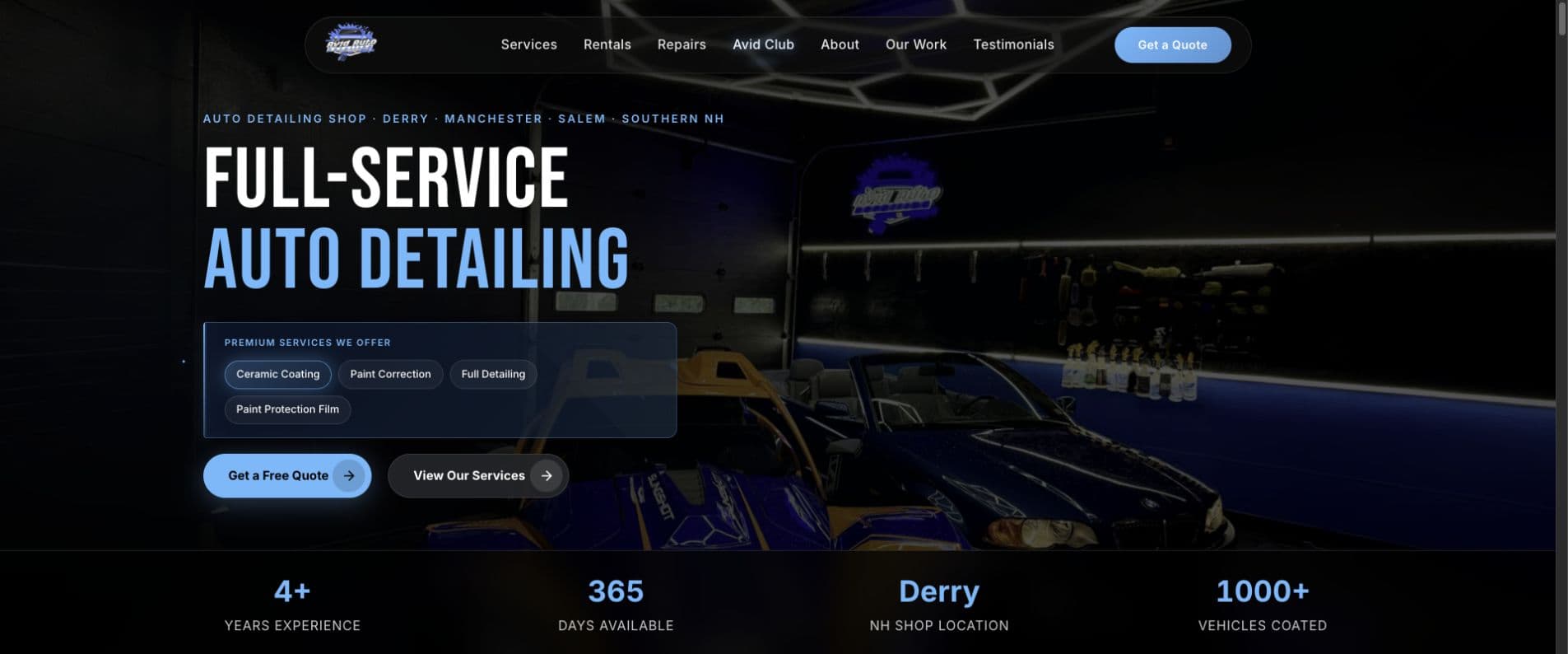


Illustrative workflow · Actual Avid website capture
Build client websites with Claude Code and Codex, in the browser.
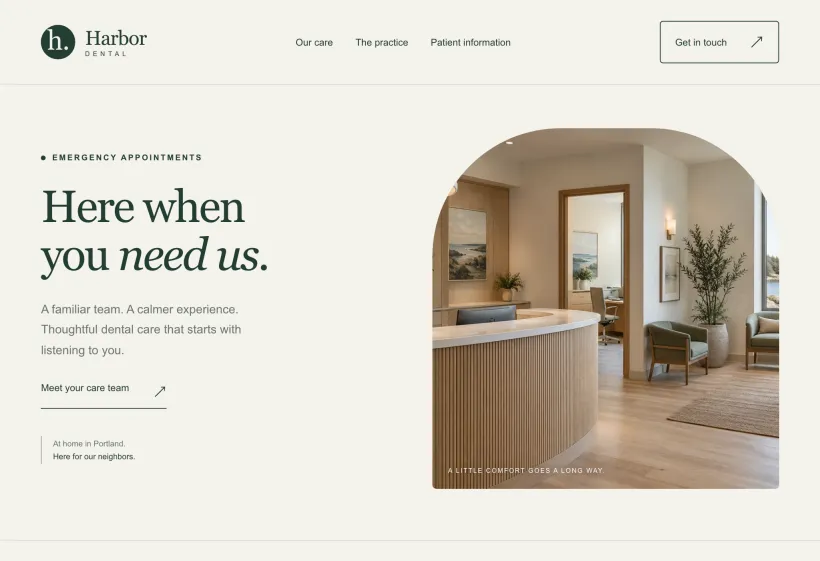
A real Claude Code session in the Builder, updating a demo dental practice’s page from a short brief while the preview reloads beside it.
Describe the change.
The brief goes into the terminal in plain words: the headline, a call button, a new section.
Claude edits the files.
It reads the page, updates index.html and styles.css, and shows each change as a diff.
Check it in the preview.
The preview reloads with the new page, ready to review, commit and push.
A Browser IDE for Client Websites, From Repo to Deploy.
Everything a web design team needs to build, check and ship a client site, in one tab.
Annotate the live preview
Click an element in the preview, describe the change, and queue it for Claude.
Claude Code and Codex
Open New Claude or New Codex on the client’s repo, signed in as yourself.
A component library
Pick a section or a page kit, and Claude fits it into the site.
Project plugins
Claude reads Stripe, Shopify or Supabase. Writes stay off until you allow them.
Project images
Search Openverse and Pexels, or generate an image with your own OpenAI key.
A shared Prompt Library
Save the prompts that work, in folders the whole team can use.





The website builder for web design agencies.
Every client site starts with a brief and keeps going after launch. The Builder keeps each site’s work, requests and history together, and the client follows along in their portal.
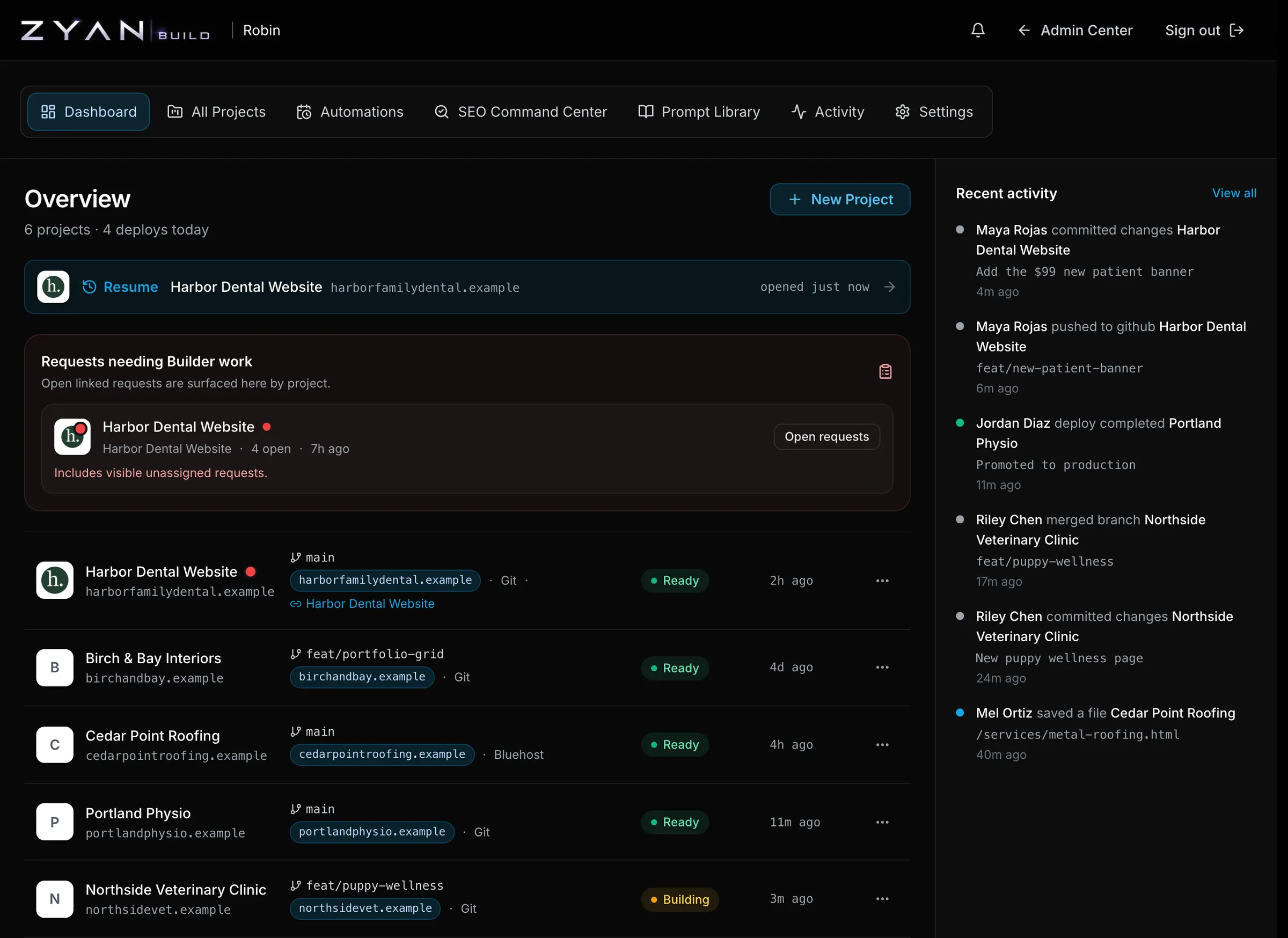
Every client site in one place
Each project with its branch, domain, deploy target and state, and the one you were in ready to resume.
Client requests, waiting for the build
Requests clients send from their portal show up by project, beside the brief and tasks you linked.
A history for every handoff
Commits, pushes, merges and deploys land in one feed, so whoever picks a site up next starts informed.
