◆ Zyan on iPhone
Run Your Agency From Your iPhone.
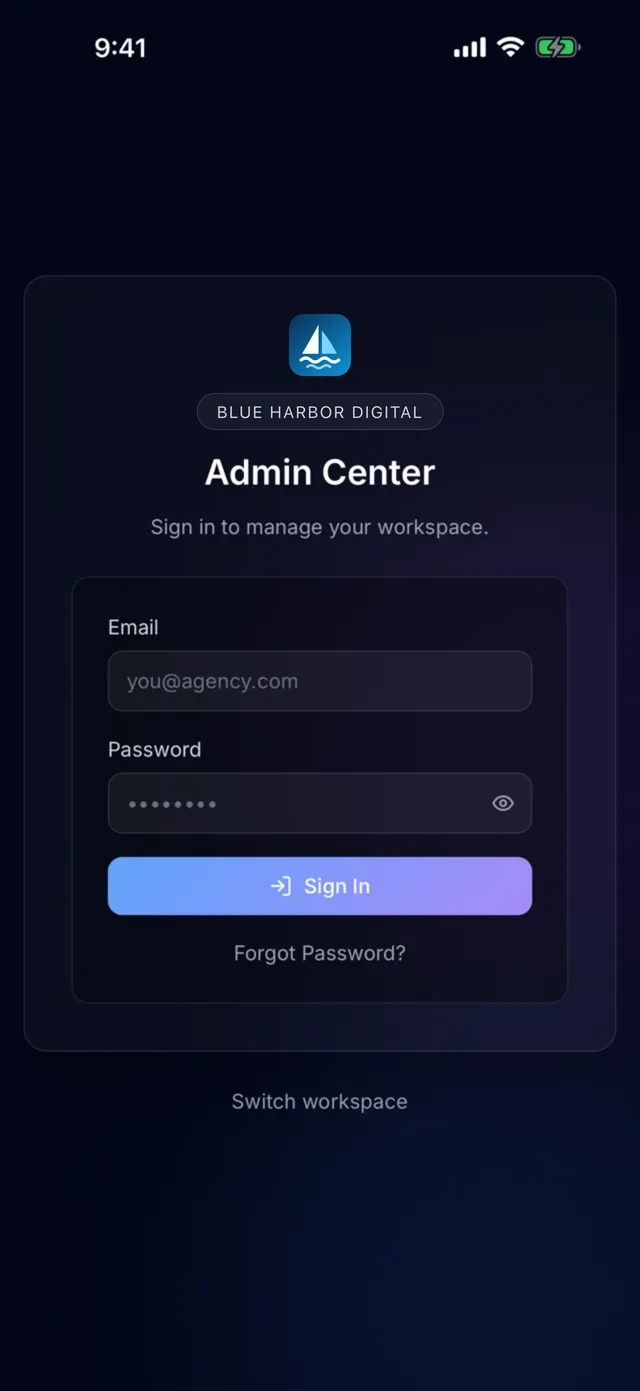
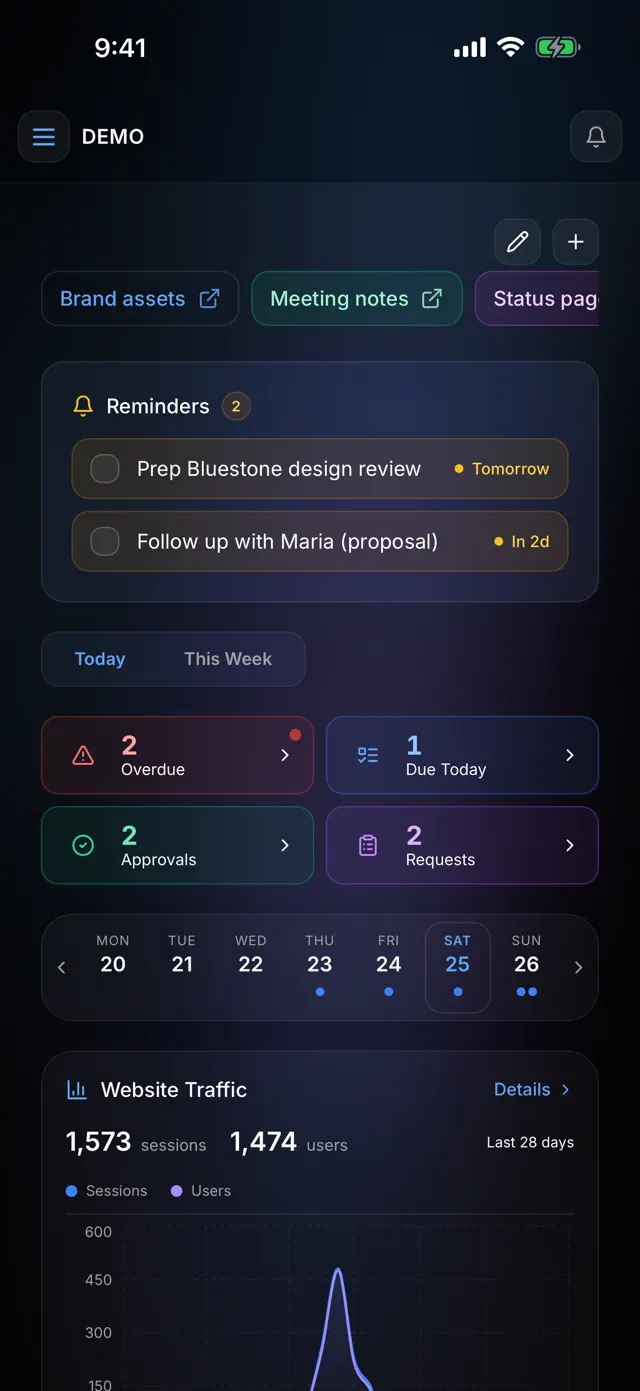
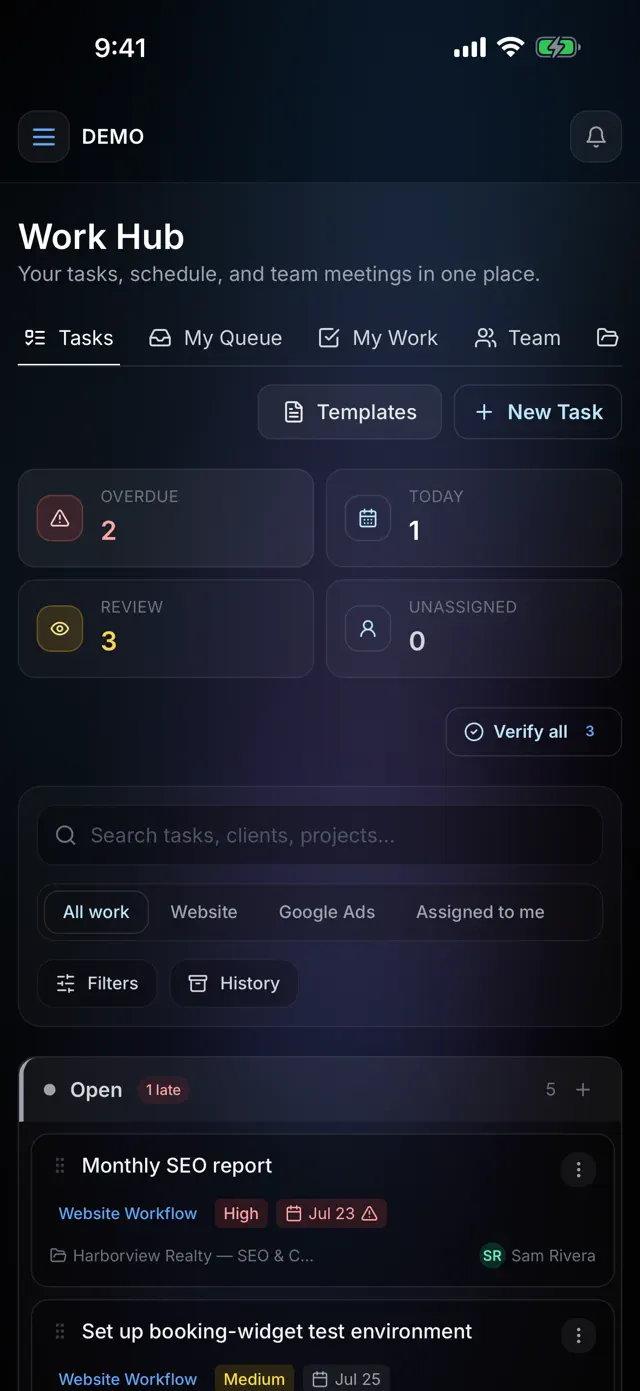
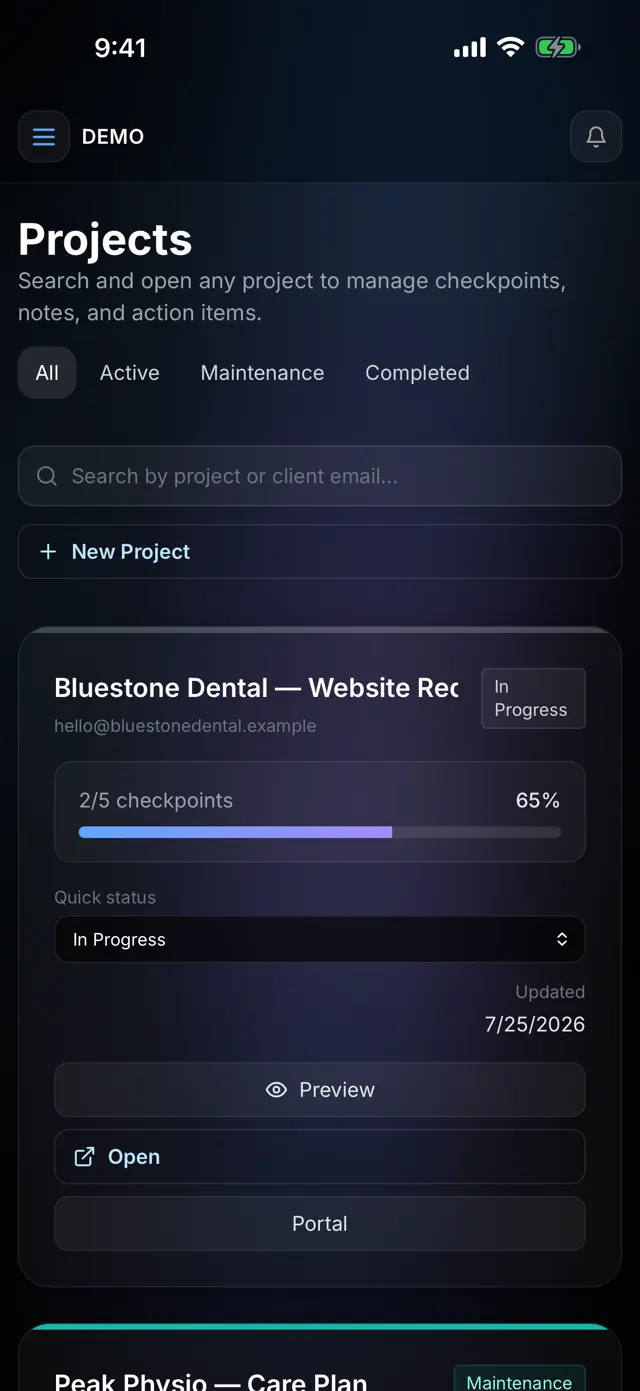
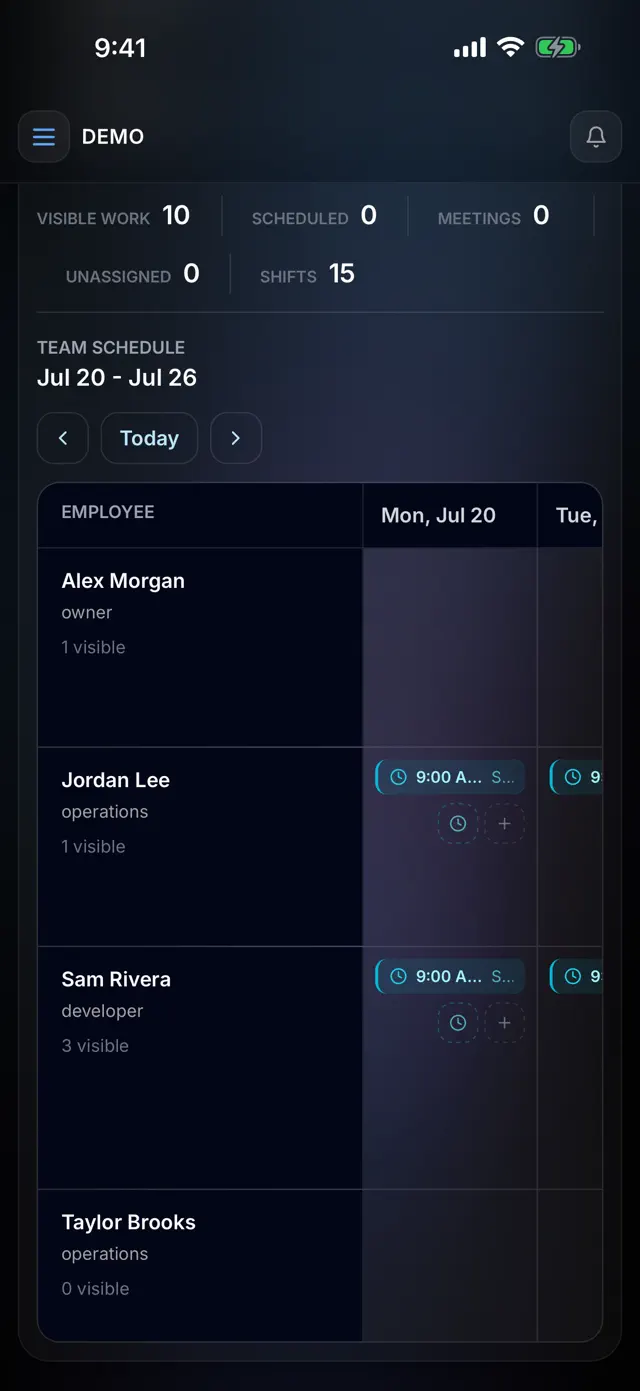
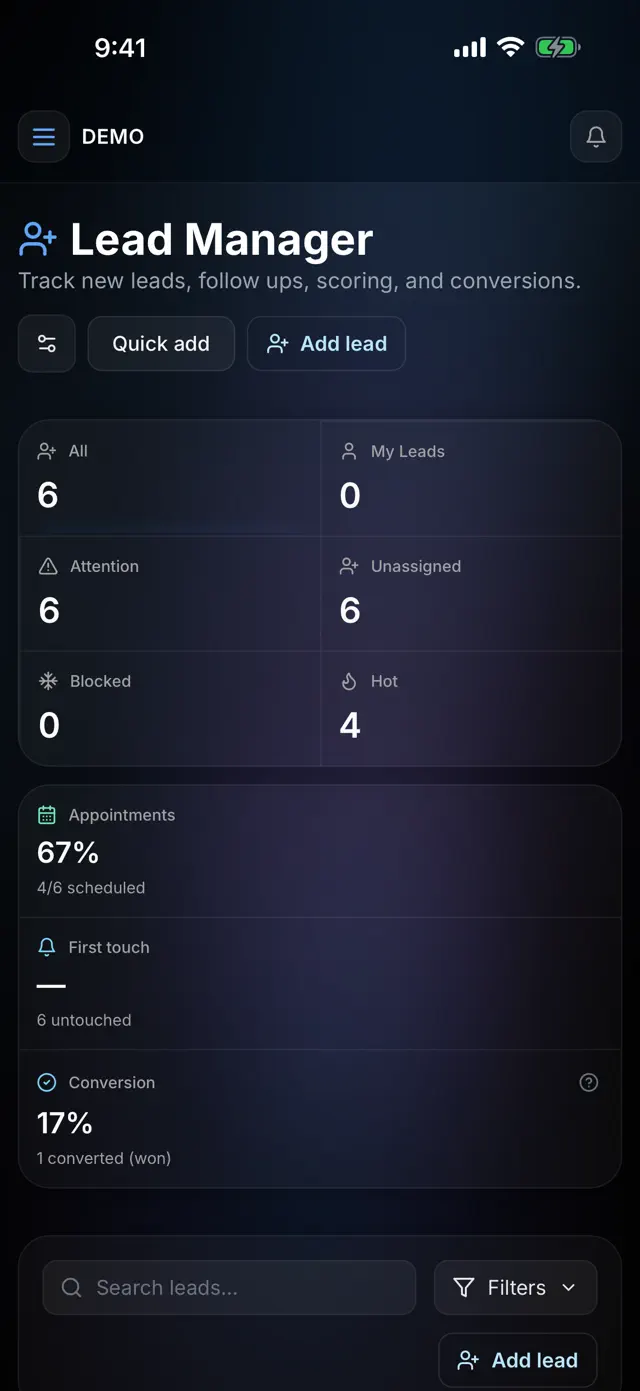
The Zyan Admin workspace as an iPhone app: reminders and approvals, the work hub, projects, the team schedule and leads, with the same sign-in as your workspace. Free on the App Store.
◆ Inside the app
Agency Tasks, Projects and Leads on iPhone.
The same dashboard, work hub, projects, schedule and leads your team runs on the web, laid out for a phone.
Download on theApp StoreFree for iPhone, iOS 15 or later.
◆ Questions
Zyan iPhone app questions
Is the Zyan iPhone app free?
Yes. It is a free download for iPhone on iOS 15 or later. What you can do in it follows your workspace plan; the app itself adds no charge.
Do I need a separate account for the app?
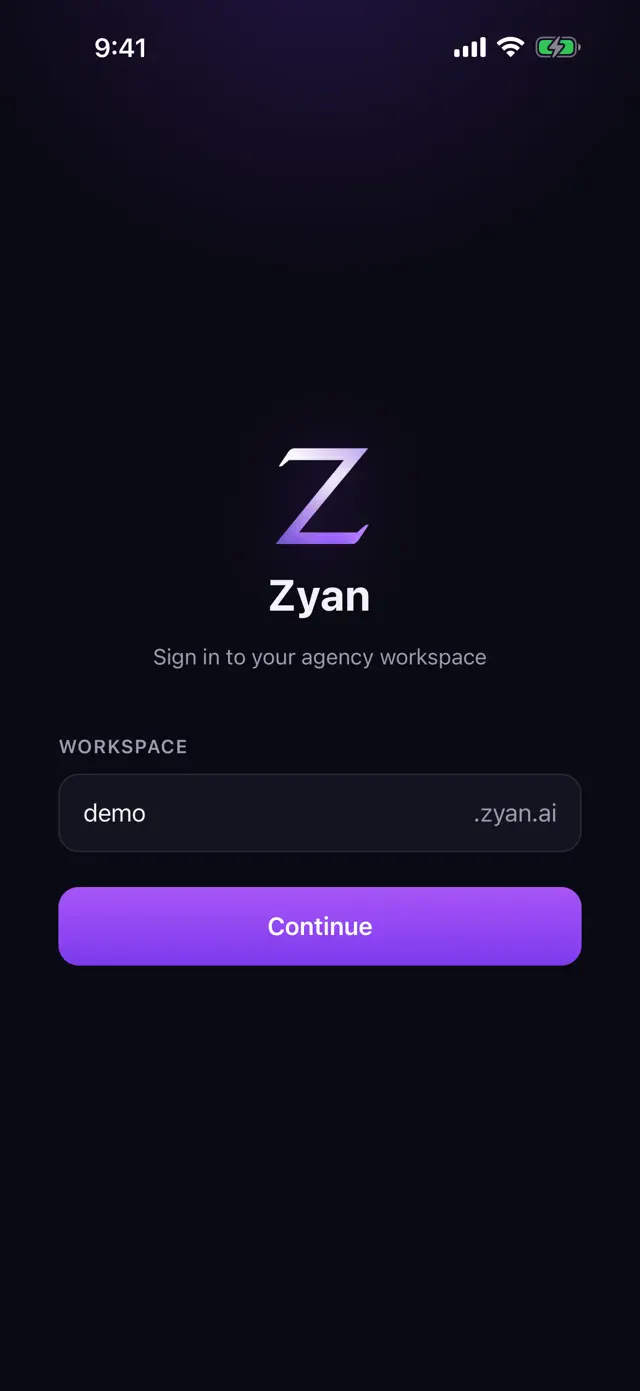
No. On first launch the app asks for your workspace and remembers it, then you sign in as you do on the web. If you belong to more than one agency, switch between them from the workspace picker.
Is it a cut-down version of the workspace?
No. The app opens your real workspace admin, laid out for a phone, with a bottom tab bar in place of the sidebar. Two surfaces are left out on the phone: the Ad Spend dashboard widget and the Bill this client wizard. Use a browser or the desktop app for those.
Do I have to update the app to get new features?
Rarely. Because the app opens your live workspace, improvements to the web admin reach your phone the next time you open it. Only changes to the app itself need an App Store update.
Why does the App Store link not open on my Mac?
The app is iPhone-only, so the Mac App Store has no page for it. Scan the QR code at the top of this page with your iPhone, or open this page on the phone and tap the App Store button.
Is there an app for my clients, or for Android and desktop?
This app is for you and your team. Clients use the client portal, which has an iPhone app of its own; ask us about it for your workspace. There is no Android app: open your workspace in the phone’s browser instead. On a Mac or a Windows PC, download the desktop app from Settings → Apps in your workspace.