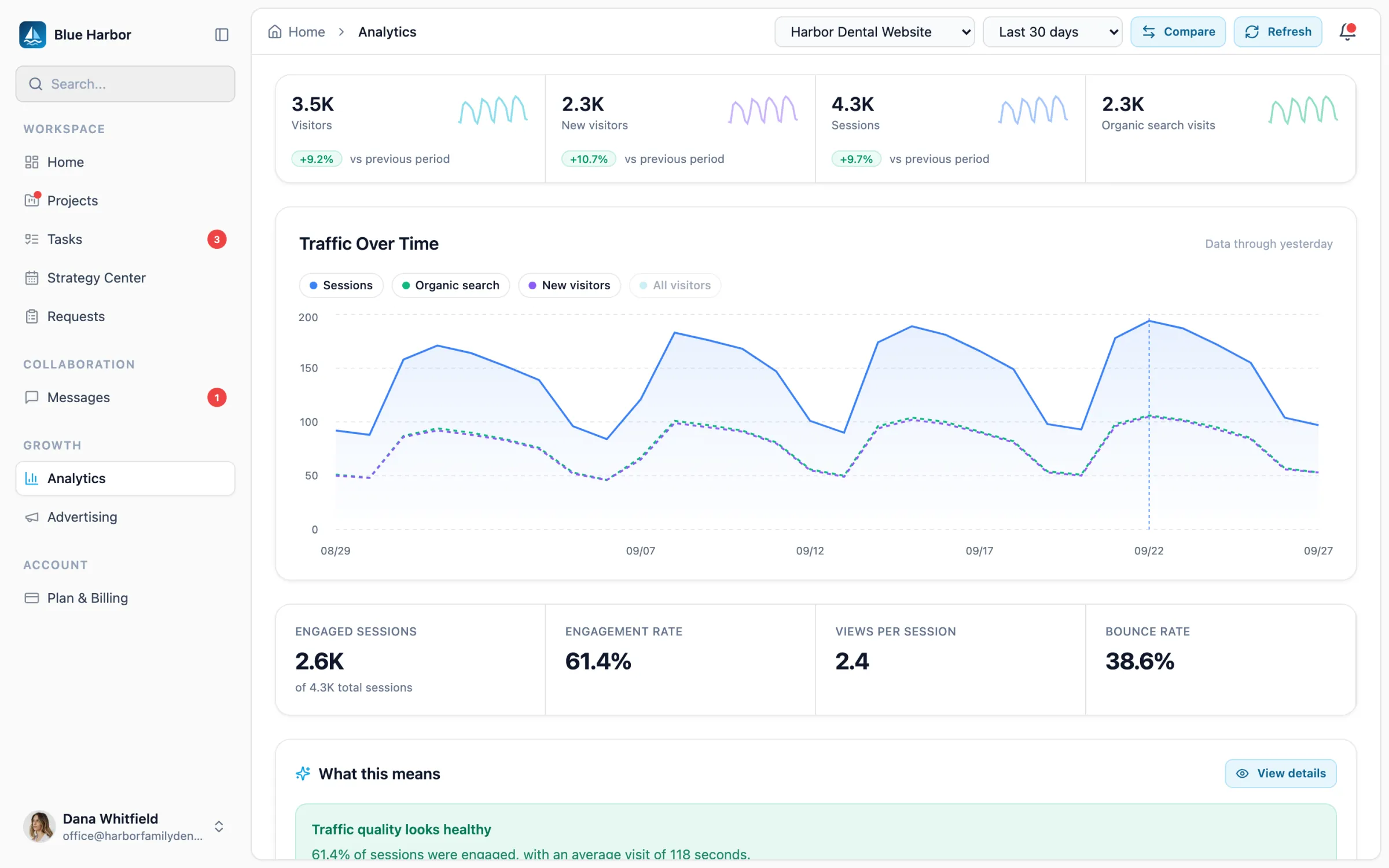
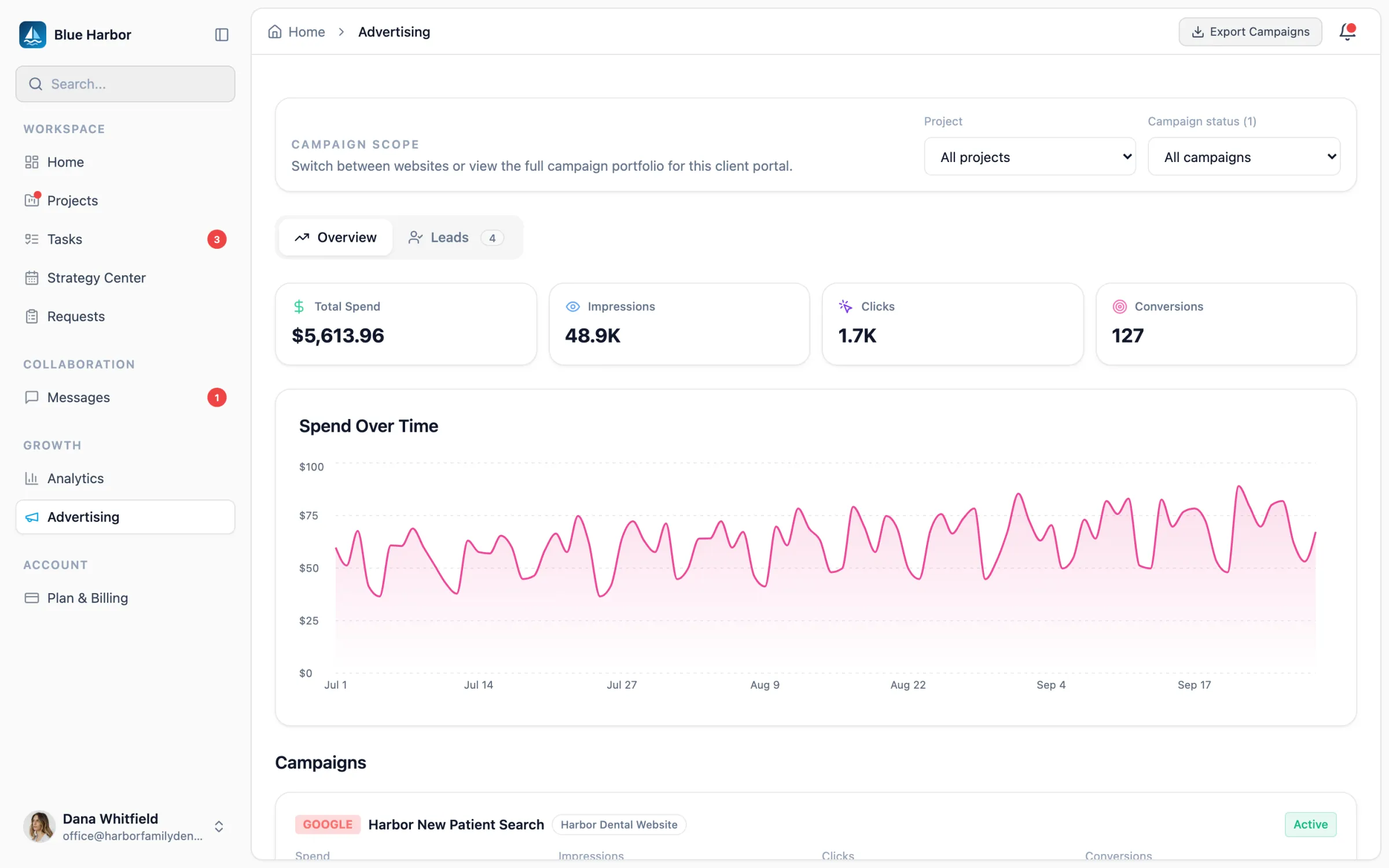
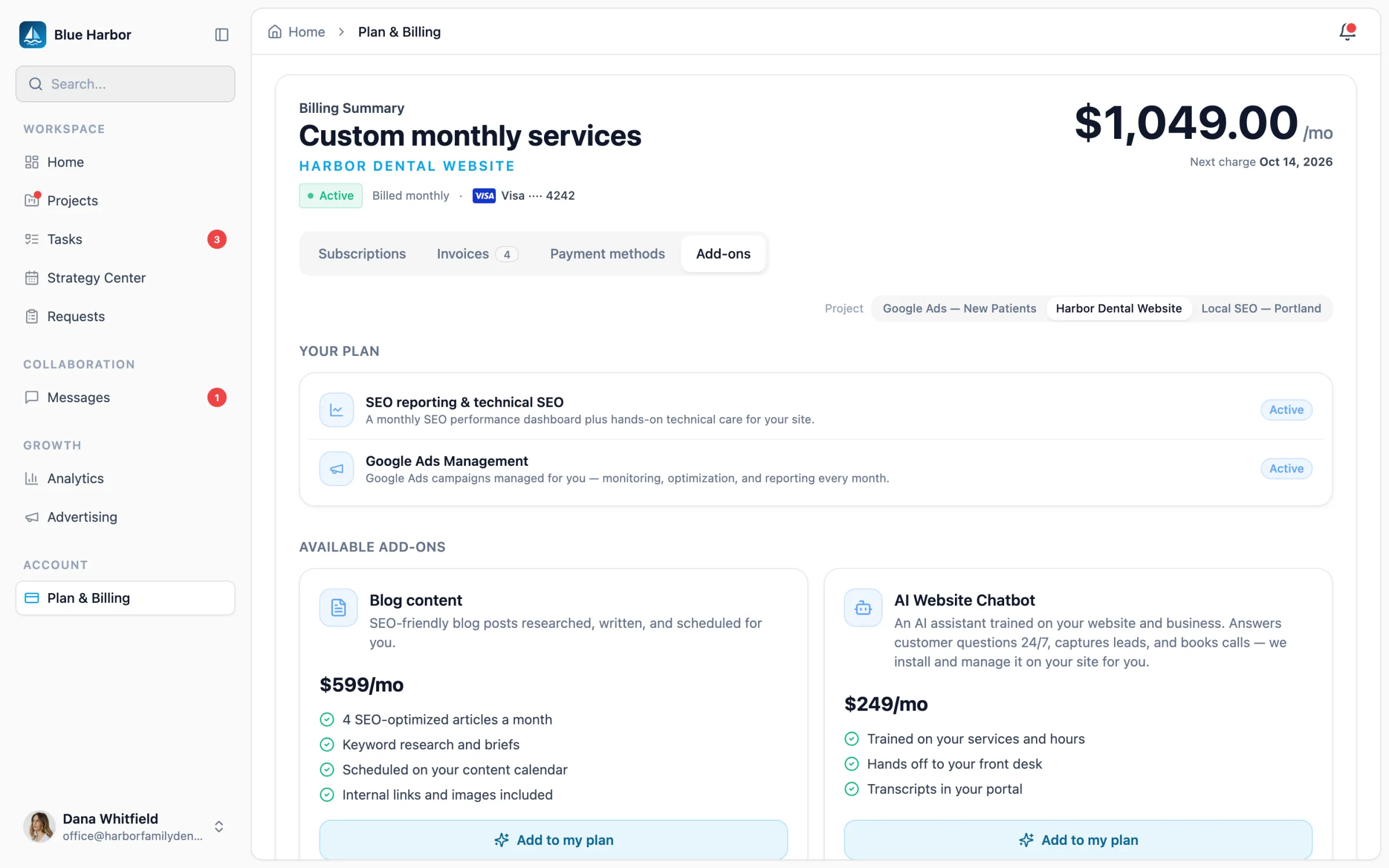
◆ Client portals

White-Label Client Portals for Agencies.

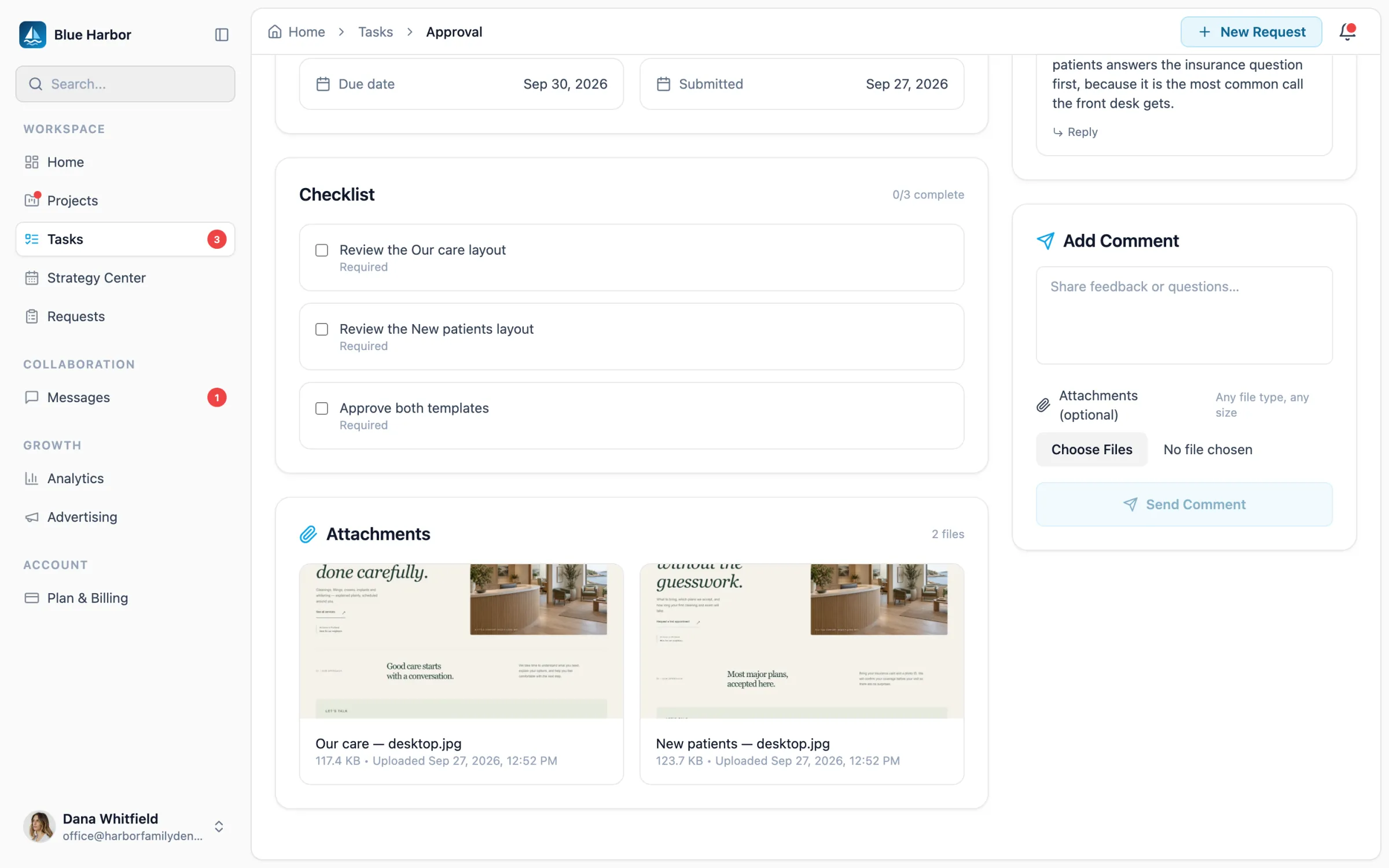
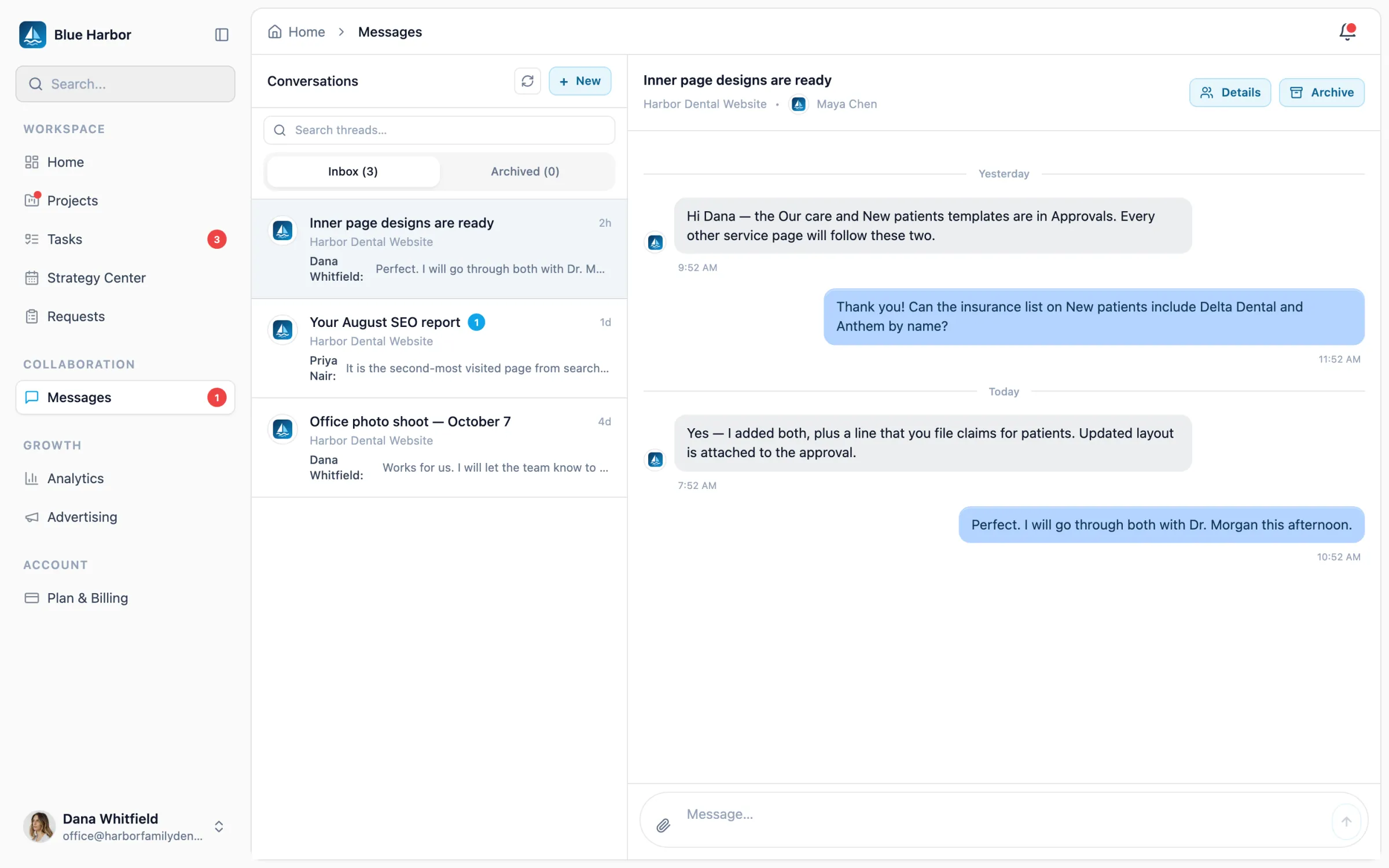
Give every client one place to follow their projects, approve your work, message your team and see their results. The portal carries your logo and color, at your workspace address on every plan or your own domain from Studio.

◆ Your logo and color◆ Your own domain from Studio◆ Approvals, messages and billing
◆ The client experience

A client portal built for agencies.

One sign-in for everything between your agency and a client: the work, the decisions, the results and the bill.

Their projects, what is waiting on them, the next call and new reports, the moment they sign in.
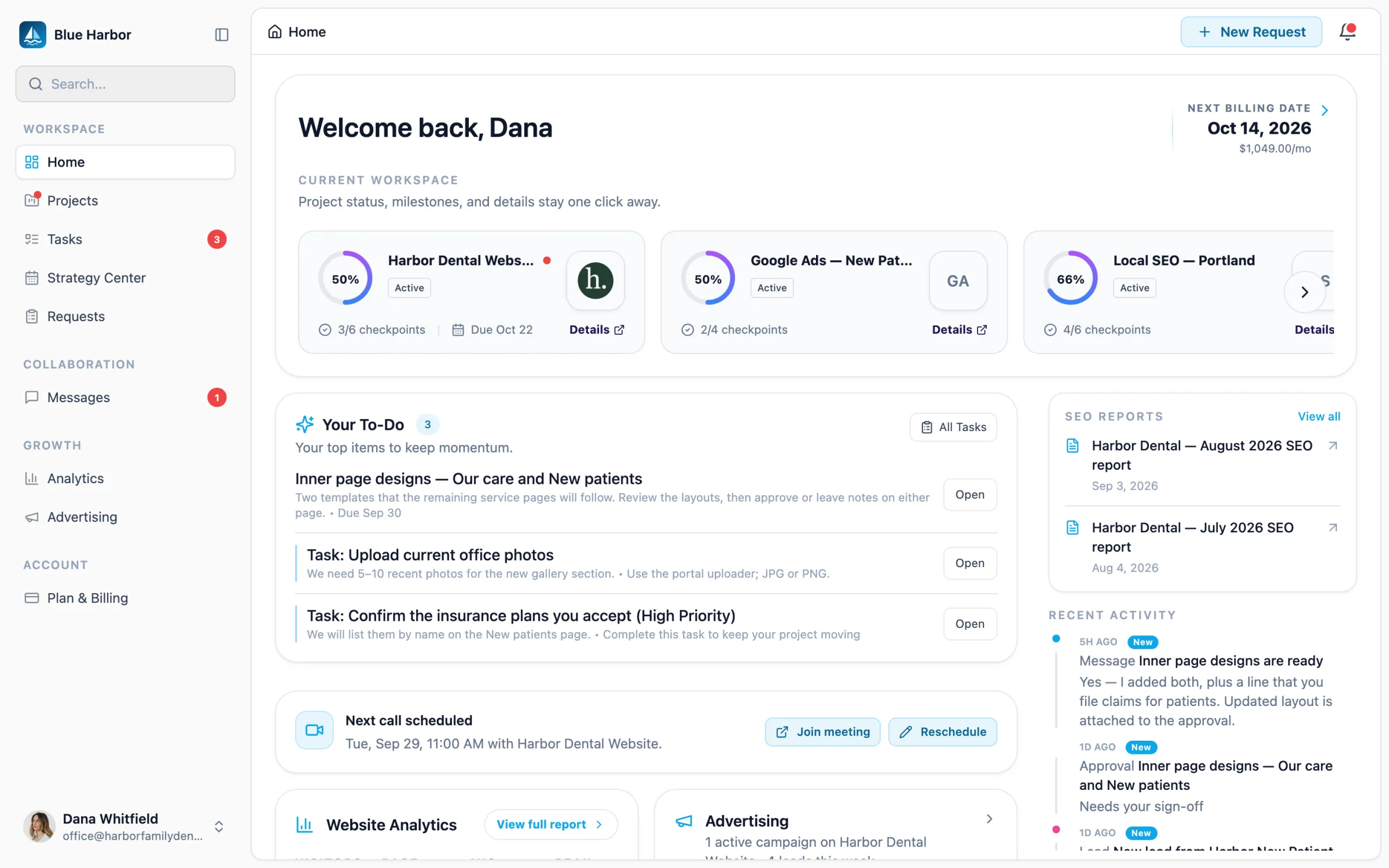
The client portal home: three projects with their progress, a to-do list with a design approval and two tasks, SEO reports, the next scheduled call and recent activity.
◆ Portal settings

Your domain, your brand and what each client sees.

Set the address and the brand once for the workspace, then choose which sections each client’s portal opens. Change requests and calls come straight back to your team.

  • A custom domain for the portal

    One custom domain per workspace, from Studio up. Every plan has a zyan.ai address.

  • Your logo and brand color

    Set them once in Appearance; the portal and its sign-in page use them.

  • Sections for each client

    Every section starts on. Turn off what a client does not need, then save.

  • Change requests

    Clients describe the change and attach a file. It lands in Requests, under Open.

  • Calls on your calendar

    Clients book a free slot on your calendar, with a Google Meet or Zoom link.

◆ SEO reports

A monthly SEO report, waiting in the portal.

The SEO Command Center drafts a monthly report from the site’s own evidence, on a schedule or whenever you ask. Your team reviews it and shares it, and the client finds it on their dashboard beside every report before it.

  • Clicks, impressions and rankings, compared with the month before
  • Top pages, traffic sources and page speed in one document
  • Prepared under your agency’s name, never Zyan’s
  • Shared every month automatically, or reviewed first — your call
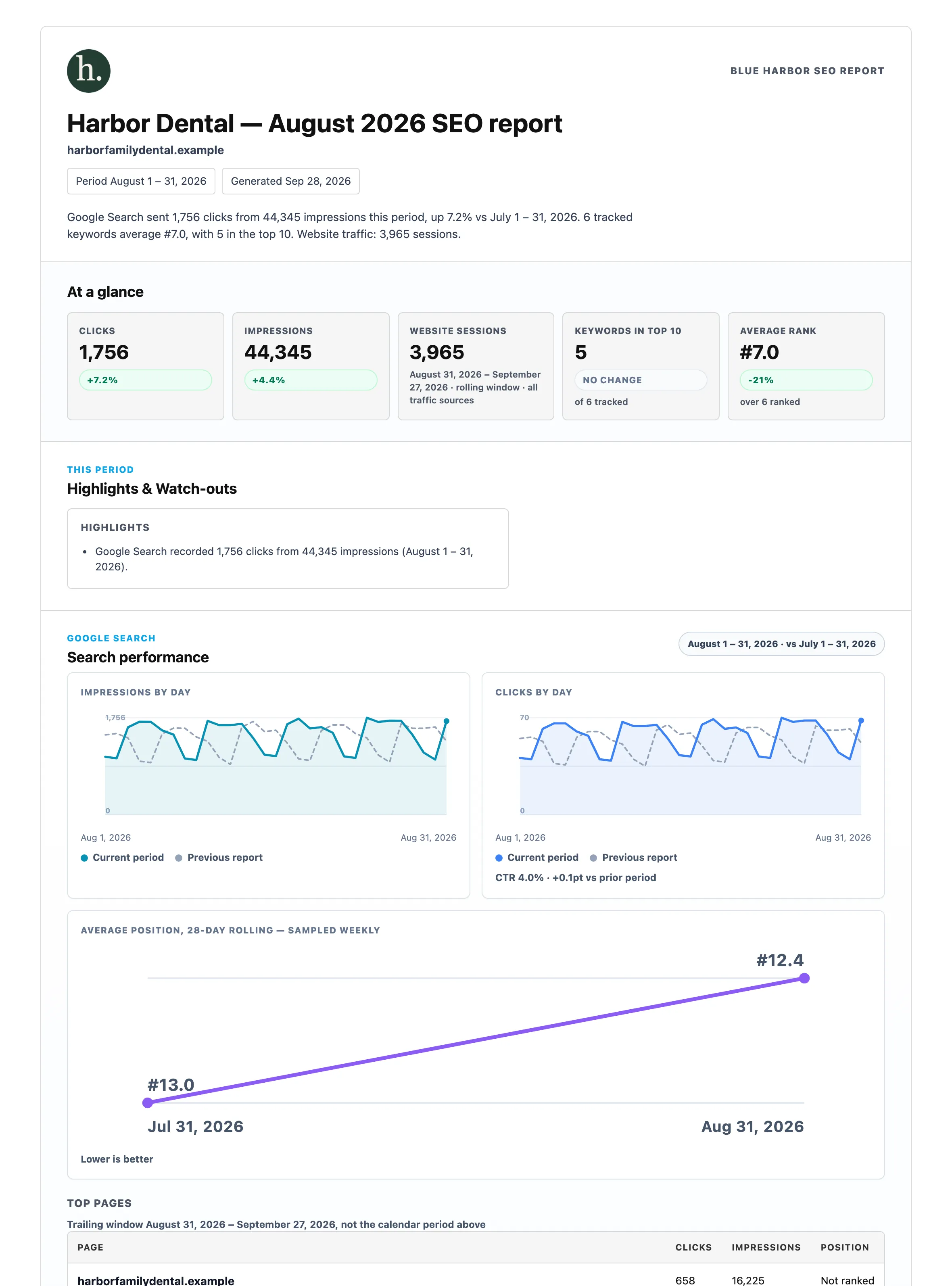
Harbor Dental’s August SEO report as the client opens it: clicks, impressions, website sessions and rankings compared with July, then daily search charts.
◆ Questions

Client portal questions

How do clients get access?
Invite a client to their portal with a seat invite or a magic link, and add seats for the people on their team. They see their client-facing workspace; your internal team tools stay separate.
Can I choose what each client sees?
Yes. Each portal shows the sections you turn on — messages, files, analytics, advertising, billing and more — and a client only ever sees their own projects.
Where do the analytics and SEO reports come from?
Analytics reads the Google Analytics property you connect for the project. SEO reports are drafted by the SEO Command Center from Search Console, Google Analytics, keyword rankings and page speed — every month on a schedule you turn on, or whenever you generate one — and appear in the portal when you share them.
How do payments work?
Clients pay invoices through your connected Stripe account, and your team can record payments collected elsewhere. Add-ons you offer show their price in the portal, and nothing is charged until you confirm a request.
What is included?
Branded portals with full white-label theming, approvals, messaging, analytics, SEO reports, bookings and billing are all live today. A custom domain comes with Studio and above; see pricing for the features included in each plan.