Tasks and requests, confirmed by text.
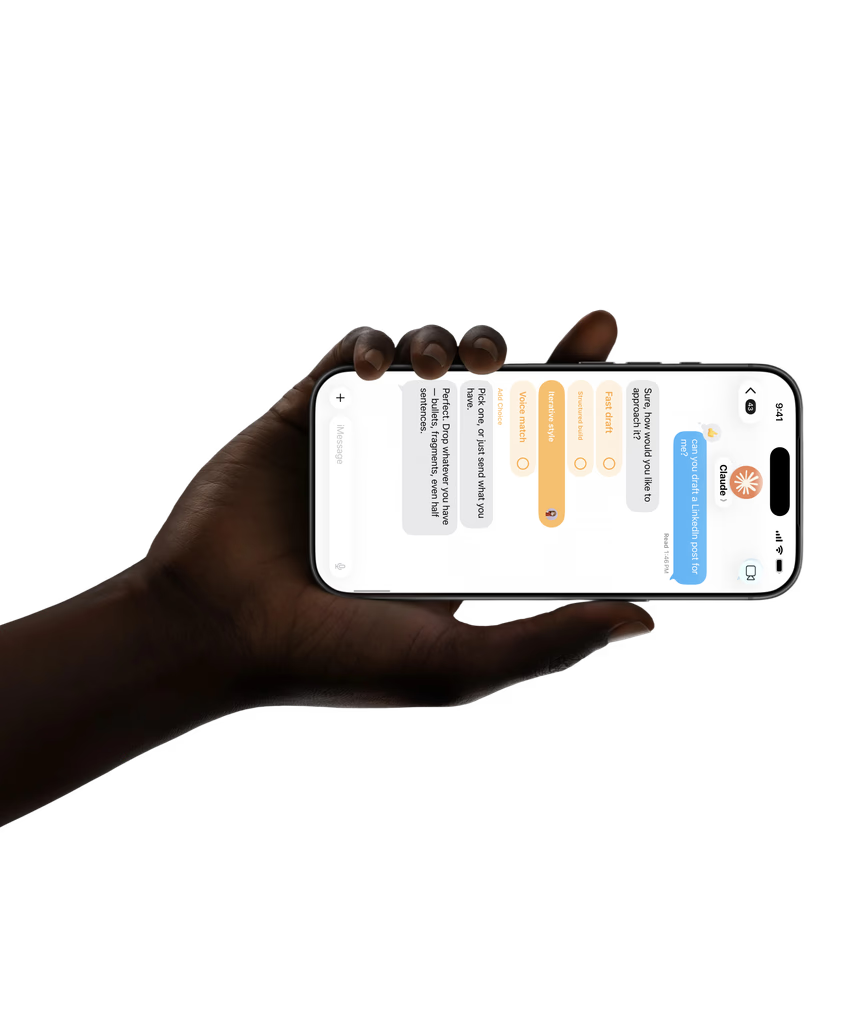
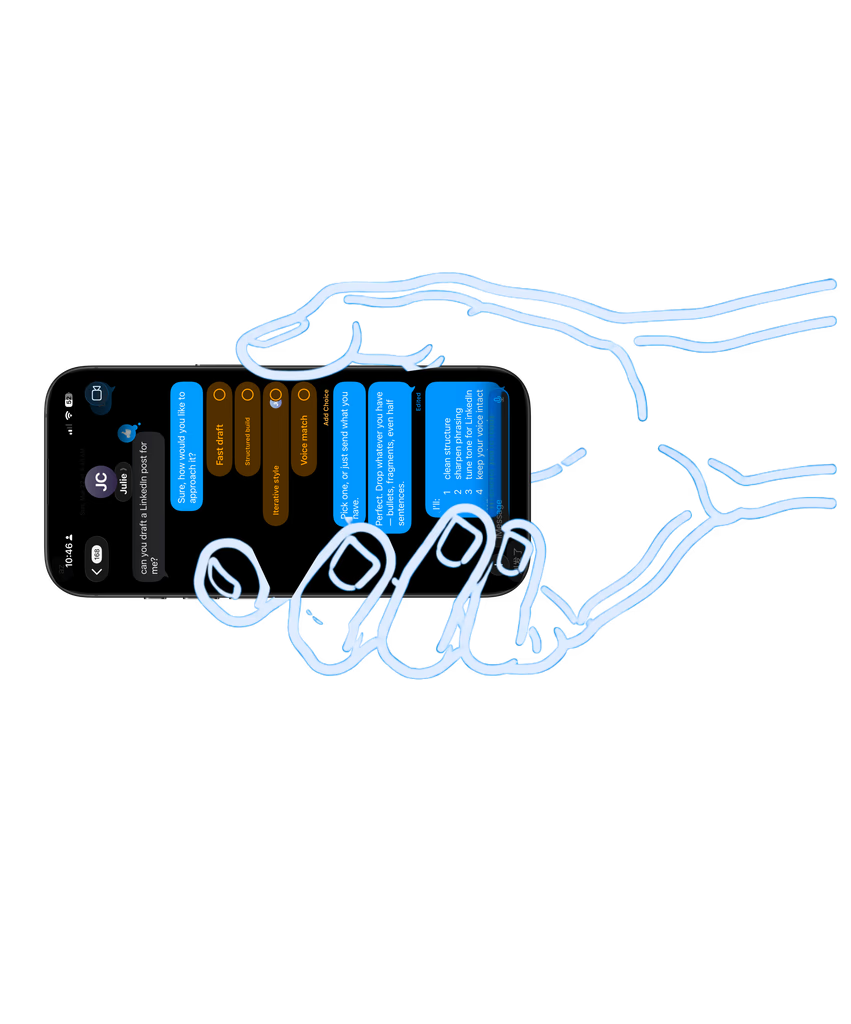
Ask Zyan AI by text to create a request, a task or a reminder for a client. It replies with what it will create, and nothing is saved until you answer YES.
Business texts, WhatsApp, Instagram and Messenger DMs, Slack, Telegram and
client portal threads land in one inbox your team shares. You can also text
Zyan AI from your own phone to check a project or set a reminder.
Business texts, social DMs, team channels and client threads in one shared inbox, and Zyan AI by text on your own phone to check a project or set a reminder.
Your team answers every client conversation from one shared inbox, and you text Zyan AI from your own phone the way you would text a colleague.One shared inbox for your team, and Zyan AI by text on your own phone.
Ask Zyan AI by text to create a request, a task or a reminder for a client. It replies with what it will create, and nothing is saved until you answer YES.

Attachments finish uploading before a message sends and arrive with it, in team chat and in client threads, and file names in any language are stored safely.
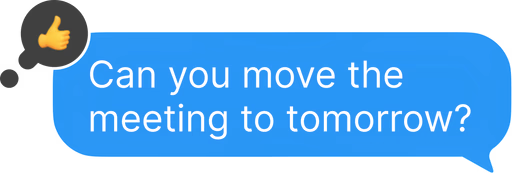
React to a message in a client thread or in team chat to acknowledge it without writing another reply. Reactions work on texts and social DMs in Messages too.
Link a text thread to a project once and it stays linked. A thread matched to a client picks up that client’s default project, named in the header and one click from the project.
Text Zyan AI on your business line to check projects, the calendar, a client’s analytics, leads and what is waiting on a reply. It reads your workspace before it answers.
Name a client when you text Zyan AI and the conversation links to them, so the requests, tasks and reminders you create by text land on the right account.
Skills run over text too. Ask for the morning brief or the end-of-day wrap and the answer comes back in the same thread, on the phone you registered.
Set a reminder by chat or by text, and a phrase like “next Wednesday” resolves to a real date. The reminder then shows on your dashboard with everything else due.
Group texts land in one thread with everyone in it. In team chat, create a channel first and add people later, and each pair of teammates shares one direct message.
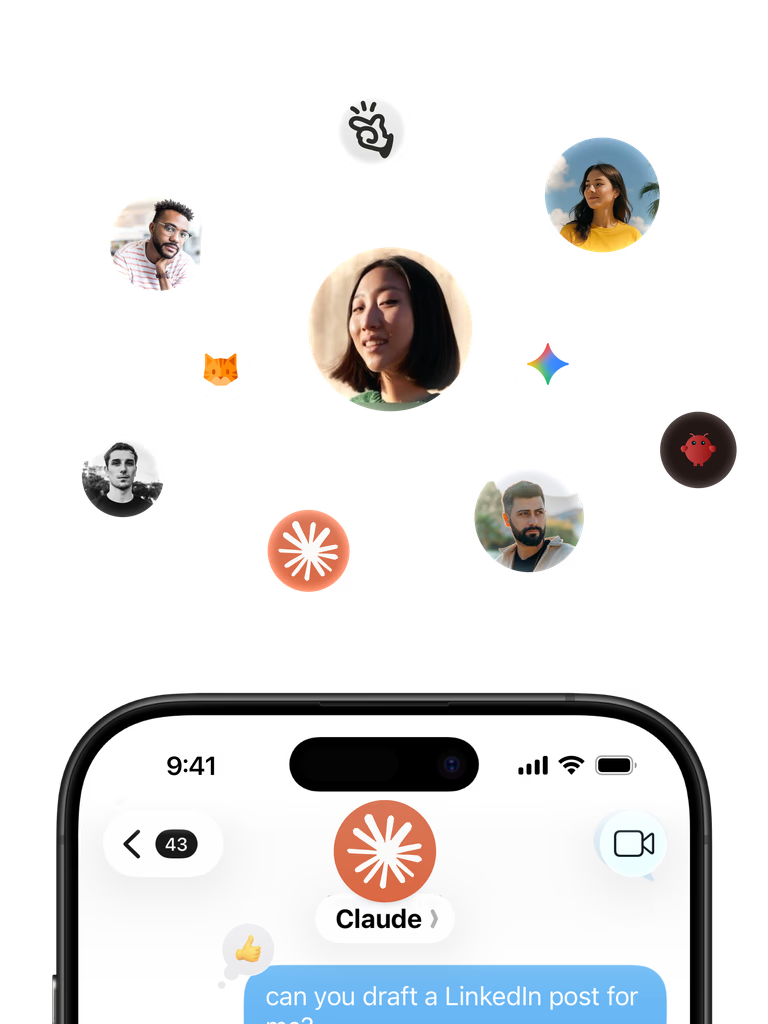
Connect your text lines, WhatsApp Business, Instagram and Facebook, Slack and Telegram. Every conversation lands in Messages, newest first, and any one can be assigned to a teammate so a due reply has an owner.
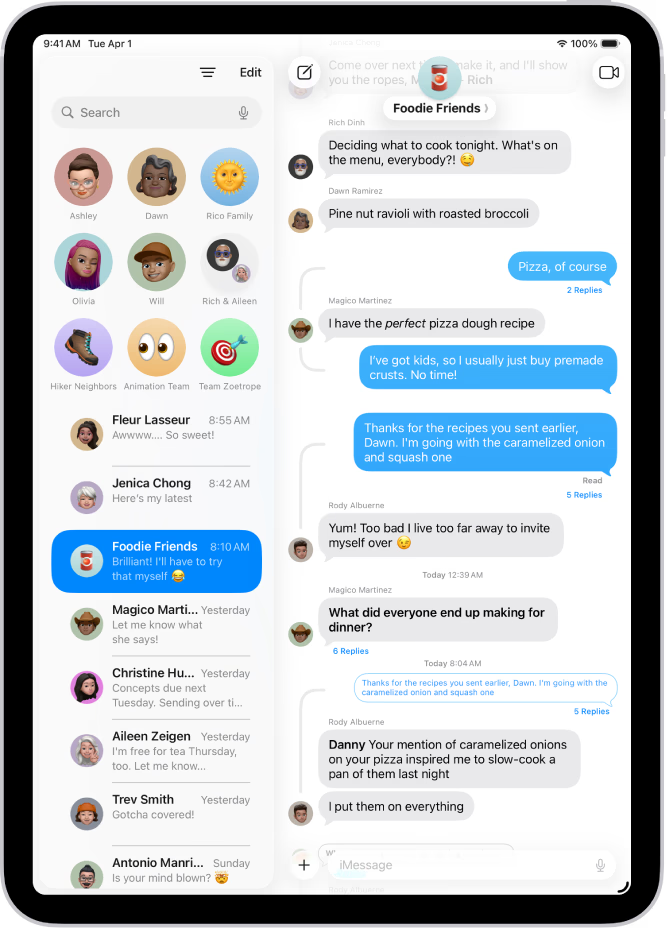

Connect a WhatsApp Business number and its conversations join Messages beside your texts and DMs. Automations can send your approved WhatsApp templates.

Connect Quo, Twilio or Telnyx with a guided setup, pick the numbers that feed Messages, and choose which line each new text sends from. Texting never uses a personal number.

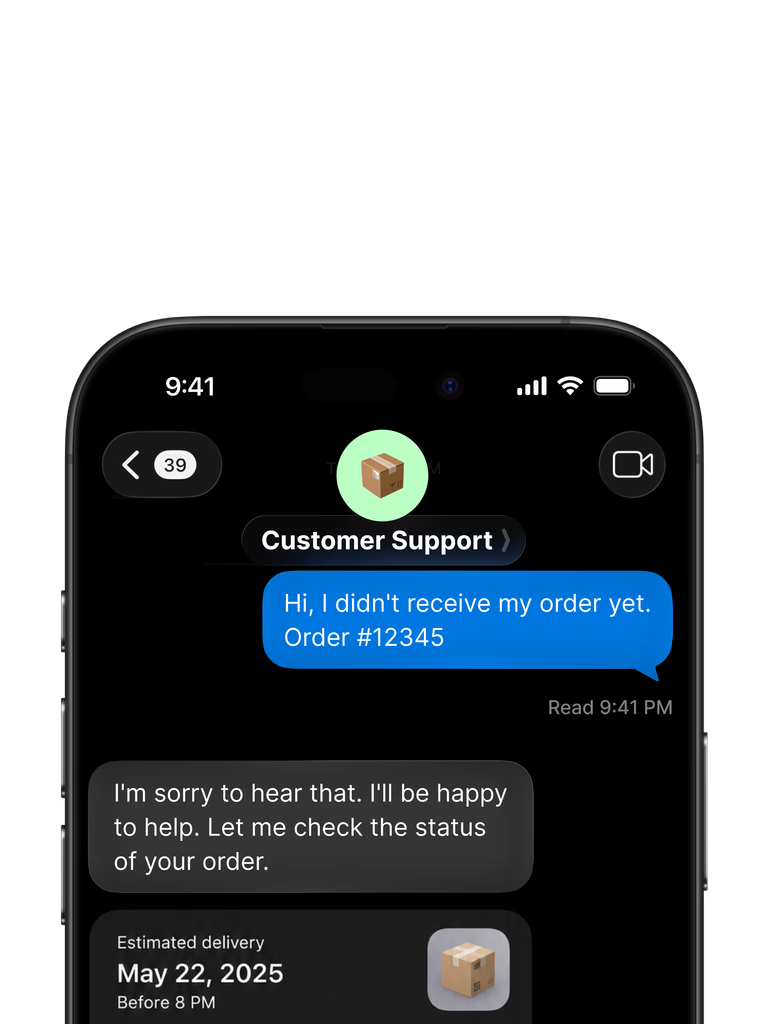

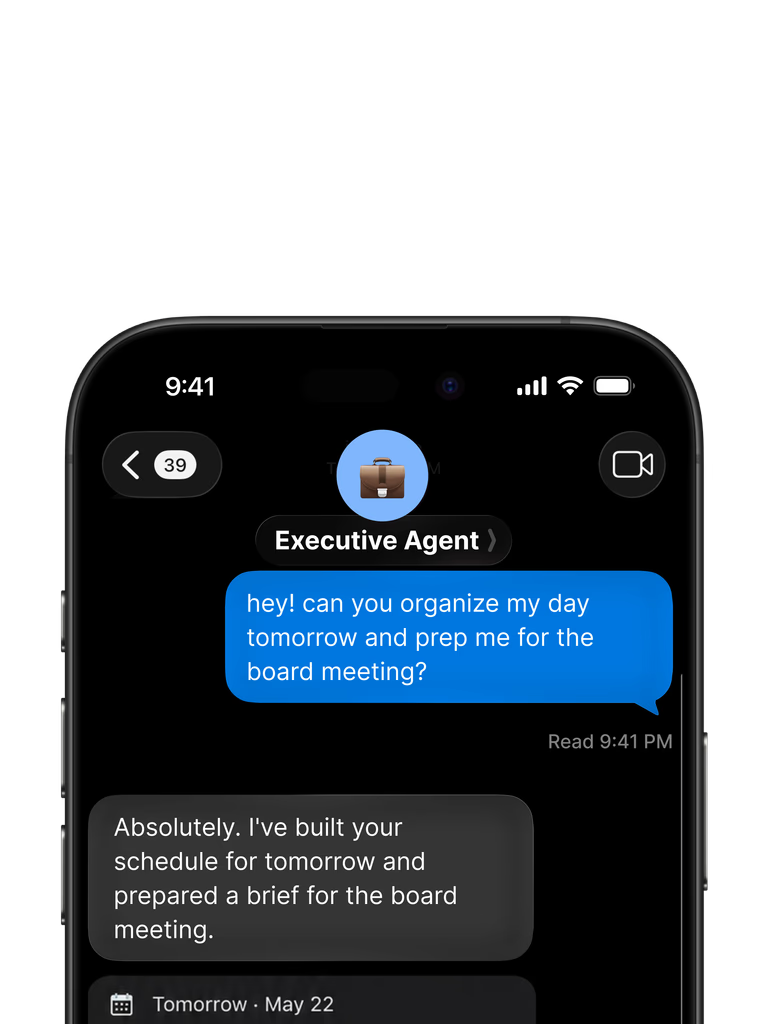

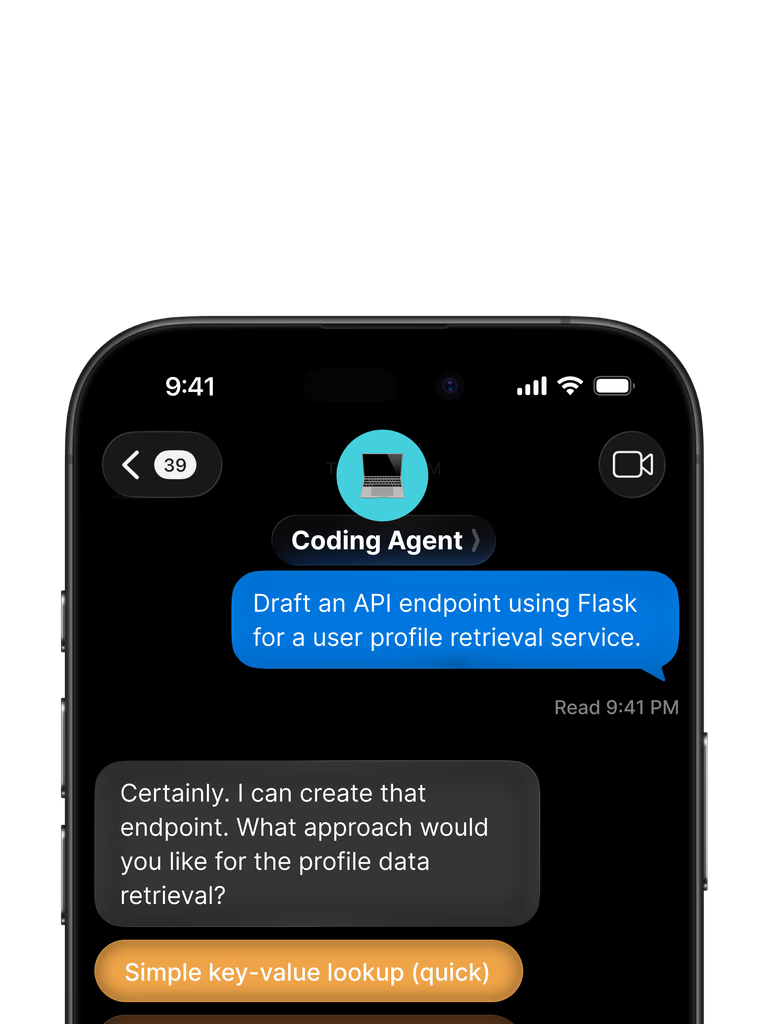

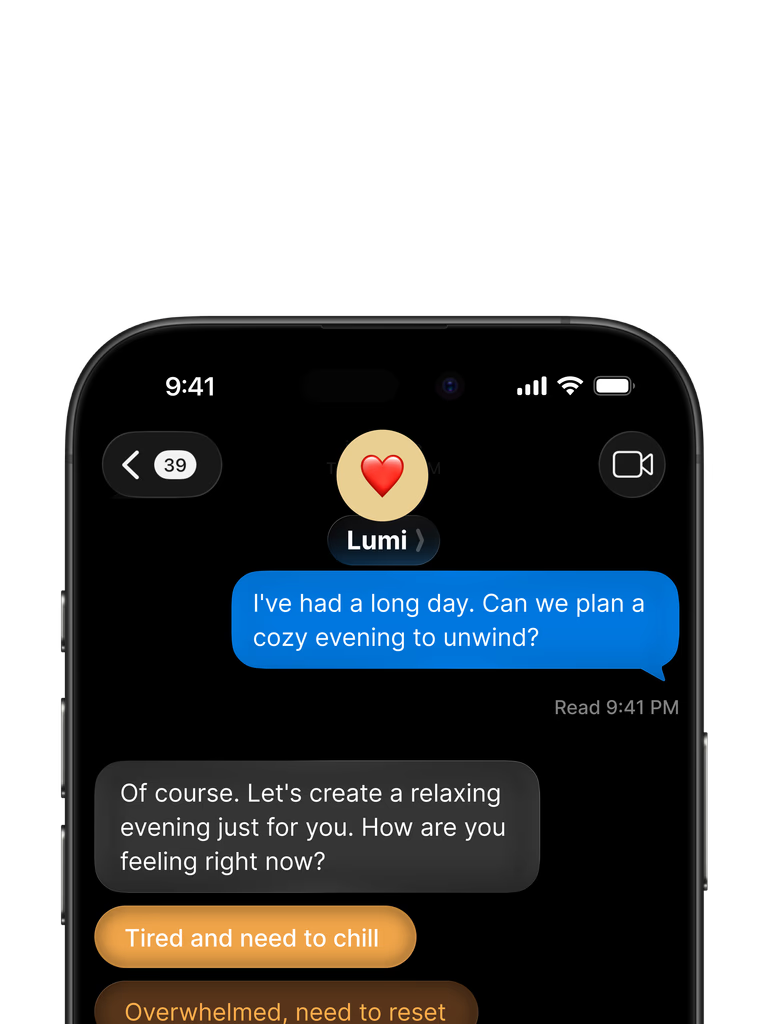
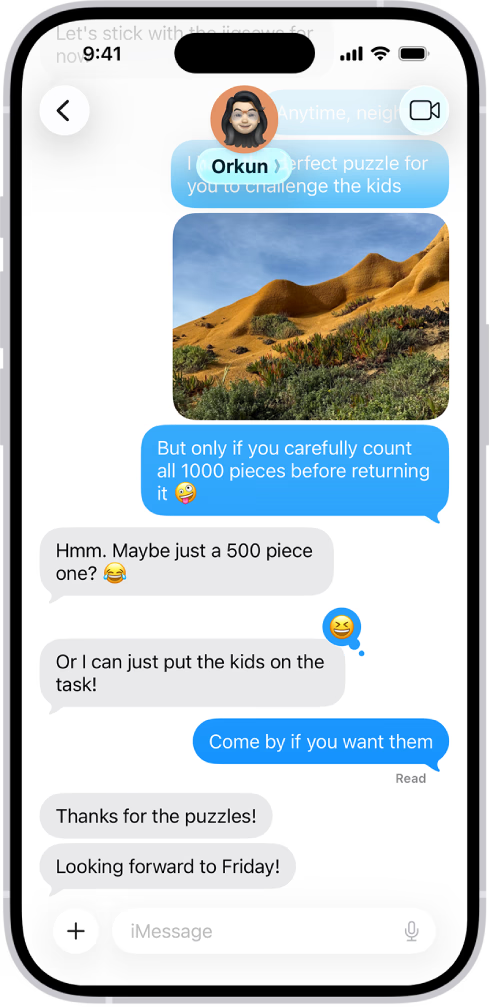
Register your number, text your business line, and ask about a project, a client or what is waiting on a reply.
Start nowAny conversation, from a text to a portal message, can be assigned to a teammate. Messages shows Assigned to me and Unassigned with their counts, and whether a rule or a person made the assignment.
Settings › Messaging sets who can see texts, client messages, channels and each social platform, and a team member sees a text only on a project or client they are assigned to.

In Messages the AI draft is a button you press, and the draft goes into your reply for you to edit and send. Zyan AI never sends a message to a client on its own.
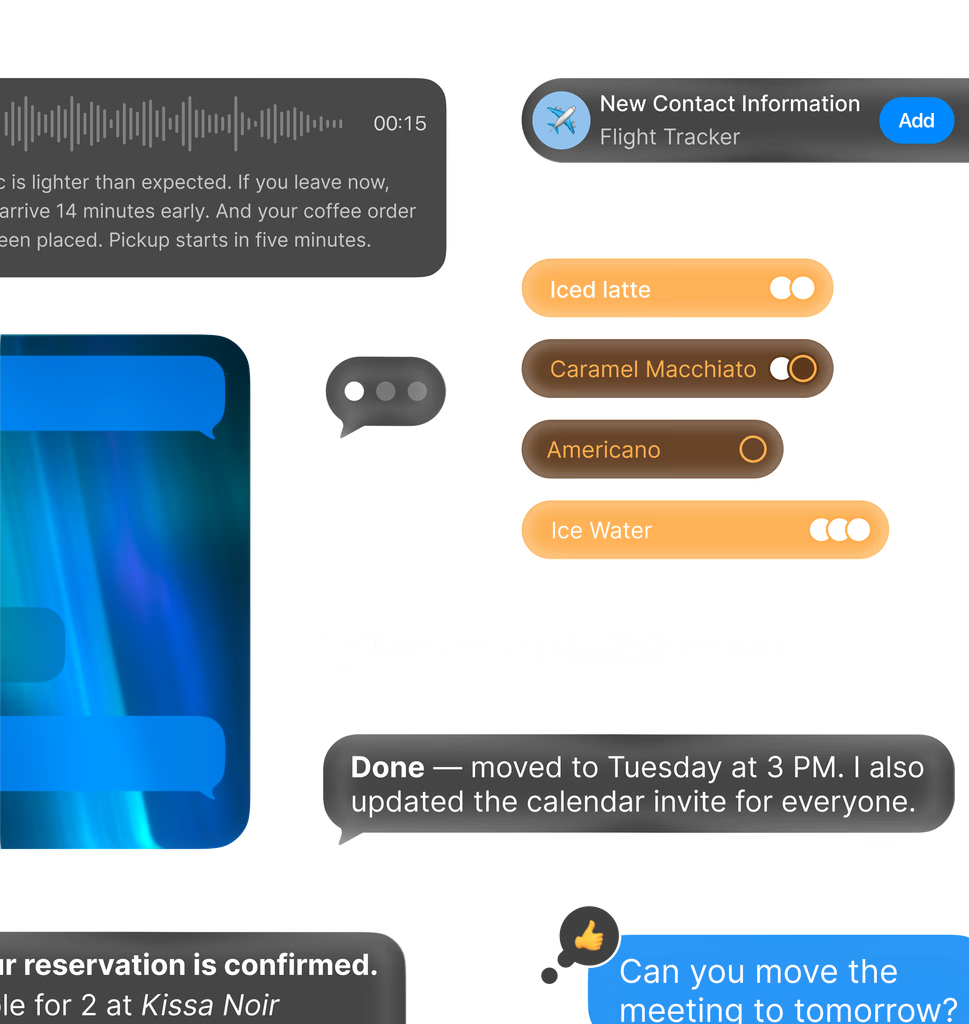
Texts link to the lead, client threads know their project, and portal messages stay with the work they are about, in the same workspace as the CRM and the client portal.