
SEO
Location Pages for Local SEO: One Real Page per Real Place
Local results run on relevance, distance and how well-known a business is. Location pages help when each one describes a real place a customer can use.
Search intent is the goal behind a query, and the results page shows what Google has concluded that goal is. Reading it before writing tells you what kind of page can rank, which is a decision no amount of on-page optimization can reverse later.

Search intent is what a person wants to get done when they type a query: learn something, compare options, buy, book, or find a particular site or place. Google describes its first step in ranking as establishing “the intent behind your query”, before it weighs any page.
Most SEO tools sort keywords into four labels: informational, navigational, commercial and transactional. Google’s own Search Quality Rater Guidelines (the version dated September 11, 2025) use different words for the same idea. Section 12.7 says “it can be helpful to think of queries as having one or more of the following intents” and names four: Know, Do, Website and Visit-in-Person.
| Common label | Rater guidelines term | Example query | What usually satisfies it |
|---|---|---|---|
| Informational | Know (and Know Simple) | how long do dental implants last | A guide that answers early, then goes deeper |
| Commercial | Know or Do | invisalign vs braces cost | A comparison or cost page with real criteria |
| Transactional | Do | book teeth cleaning | A service or product page that lets them act |
| Navigational | Website | harbor dental patient portal | The specific page they named |
| Local | Visit-in-Person | emergency dentist | A Business Profile and a location page |
The labels are a shorthand, not a law. Discussing the blurry line between Know and Do queries, the guidelines themselves note that “many queries do not fit neatly into one and only one of these categories”. They are also a training document for the people who evaluate search quality, not a list of ranking factors: the same guidelines state that “no single rating can directly impact how a particular webpage, website, or result appears in Google Search”. Their value is that they describe what Google is trying to reward, in Google’s own words.
Matching words is only the start of relevance. Google’s explanation of ranking puts it plainly: when you search for “dogs,” “you likely don’t want a page with the word ‘dogs’ on it hundreds of times”. Pages compete on how well they serve the goal behind the words, and that goal usually settles the format before it settles anything else.
This is why intent mismatch is one of the most common reasons a well-written page never ranks. A dental practice’s booking page will not rank for how long do dental implants last, however well it is optimized, because the people searching that want an explanation, not an appointment form. A thorough blog post about plumbing emergencies will struggle for emergency plumber, because the people searching that want a phone number and someone nearby.
For an agency, the expensive version of this mistake happens at the brief. A content calendar built from keyword volume alone commissions pages in the wrong format, and the problem only shows up months later as a page that is indexed, sound and invisible.
Keyword tools estimate intent from the words in the query. The results page shows what Google has actually concluded, so treat it as the answer key and check it for every target query before a brief is written.
| On the results page | What it usually suggests | Page that tends to fit |
|---|---|---|
| A map with local businesses | Visit-in-Person: they want somewhere nearby | Business Profile plus a location or service page |
| Shopping results and product grids | Do: they are ready to buy | Product or category page |
| People also ask, a featured snippet or an AI Overview | Know: they want an answer or an explanation | A guide that answers in its first lines |
| “Best”, “vs” and review titles | Commercial research before a decision | Comparison or buyer’s guide with stated criteria |
| One brand’s site with sitelinks | Website: they want a specific site | Only worth targeting if it is your brand |
| A row of videos | Do or Know, often learning by watching | A video, or a guide built around one |
Some results pages are mixed: guides beside service pages, or videos beside stores. The rater guidelines give vocabulary for this in section 12.5. The “dominant interpretation of a query is what most users mean when they type the query”, while “a query can have multiple common interpretations”, and less common readings are minor interpretations.
A mixed results page is Google hedging between interpretations, and it tells you what share of the page each one gets. Three responses work in practice:
Brand searches are the most familiar mixed case. Section 16.1 of the guidelines describes queries with two strong intents at once, using a store chain’s name searched near one of its stores: going to the website and visiting in person. For those queries, “result blocks that only satisfy one intent should NOT get a Fully Meets rating”. For a local client, that means the home page should carry the address, hours and phone number as well as the brand story.
The guidelines single out Know Simple queries: as a general rule, “if most people would agree on a correct answer, and it would fit in 1-2 sentences or a short list of items, the query can be called a Know Simple query”. Questions like dental implant recovery time are often answered on the results page itself, in a featured snippet or an AI Overview, so the click is never guaranteed.
Google’s documentation on its AI features says that “there are no additional requirements to appear in AI Overviews or AI Mode, nor other special optimizations necessary”, and that AI Overviews appear only when its systems judge them additive to classic results. Clicks from those pages are reported in Search Console’s Performance report under the Web search type, alongside the rest of organic search. Two practical conclusions follow:
On a typical agency client’s site, each intent maps to a page type, and each page type has its own measure of success. Deciding which one a query needs before writing keeps a page from being judged against a goal it was never built for.
| Intent | Page type | What it must contain | How to measure it |
|---|---|---|---|
| Know | Guide or article | The answer early, then depth, sources and next steps | Clicks, engaged visits, assisted conversions |
| Commercial | Comparison, cost or pricing page | Criteria, real prices or ranges, honest trade-offs | Leads and visits to service pages |
| Do | Service or product page | The offer, the price or how it is set, a clear way to act | Bookings, calls, purchases |
| Visit-in-Person | Location page and Business Profile | Address, hours, directions, services at that location | Calls and direction requests |
| Website | Home page or brand pages | What the business is and the paths people look for | Branded clicks and sitelinks |
The pages then need to connect. A guide that answers how long do dental implants last should link to the implant service page with anchor text that says what the page is. Google’s guidance is that “good anchor text is descriptive, reasonably concise, and relevant to the page that it’s on and to the page it links to”. Those internal links carry readers from a Know query to a Do page without asking one page to do both jobs.
The fix for intent mismatch is procedural: make the intent decision the first line of the brief, and make it from the results page. A brief that leads with intent gives the writer the format, the angle and the questions before the outline.
“After reading your content, will someone leave feeling they’ve learned enough about a topic to help achieve their goal?”
That question is search intent stated from the reader’s side, and it is a better test of a draft than any keyword density check. Intent also belongs in audits of existing content: the same review that checks a page is crawlable and indexed, described in the technical SEO audit process, should ask whether the page’s format still matches its results page.
Local results run on relevance, distance and how well-known a business is. Location pages help when each one describes a real place a customer can use.
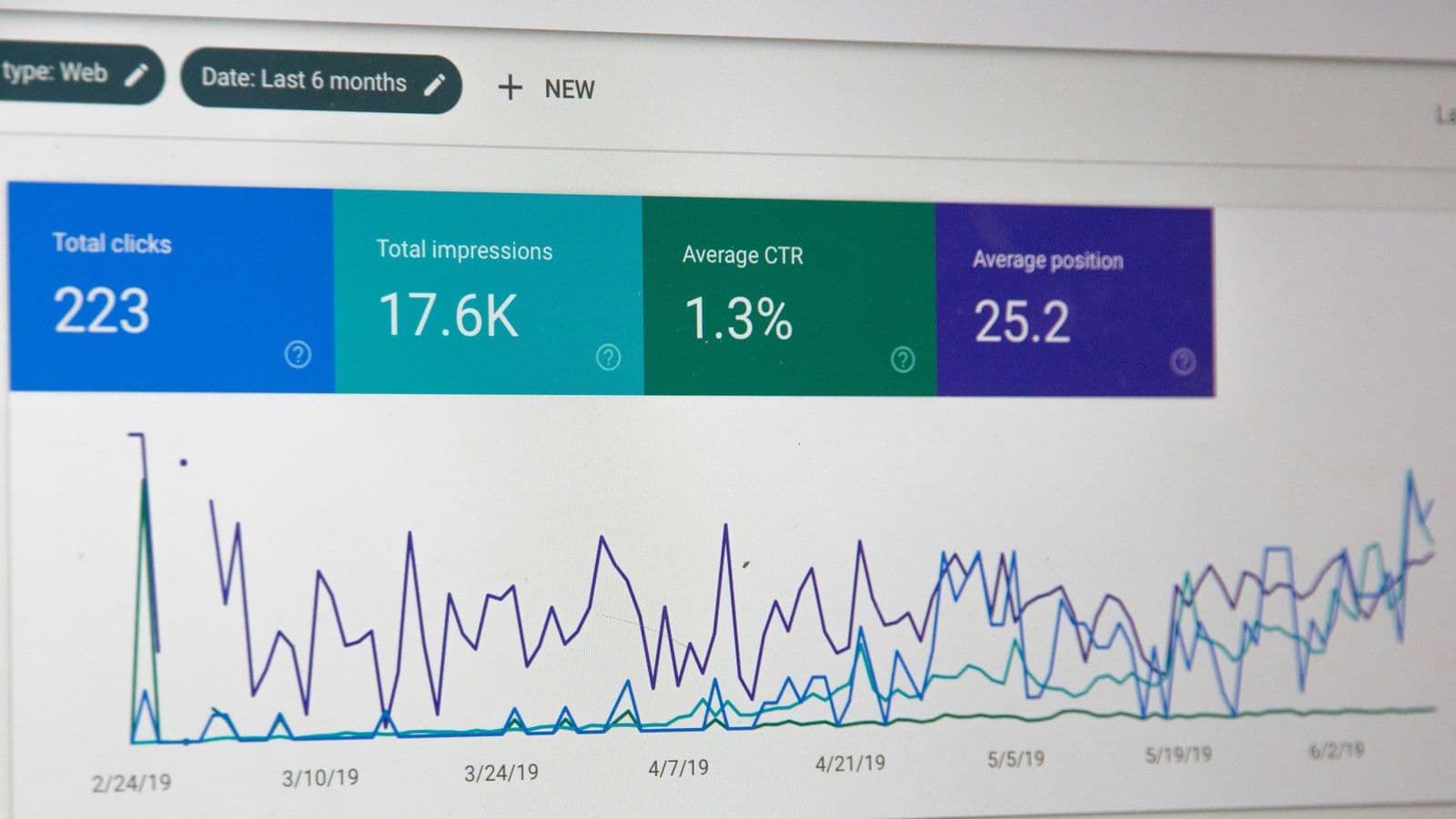
Two pages swapping places for one query is a symptom, not always a problem. How to confirm it, and which of four fixes fits the case.
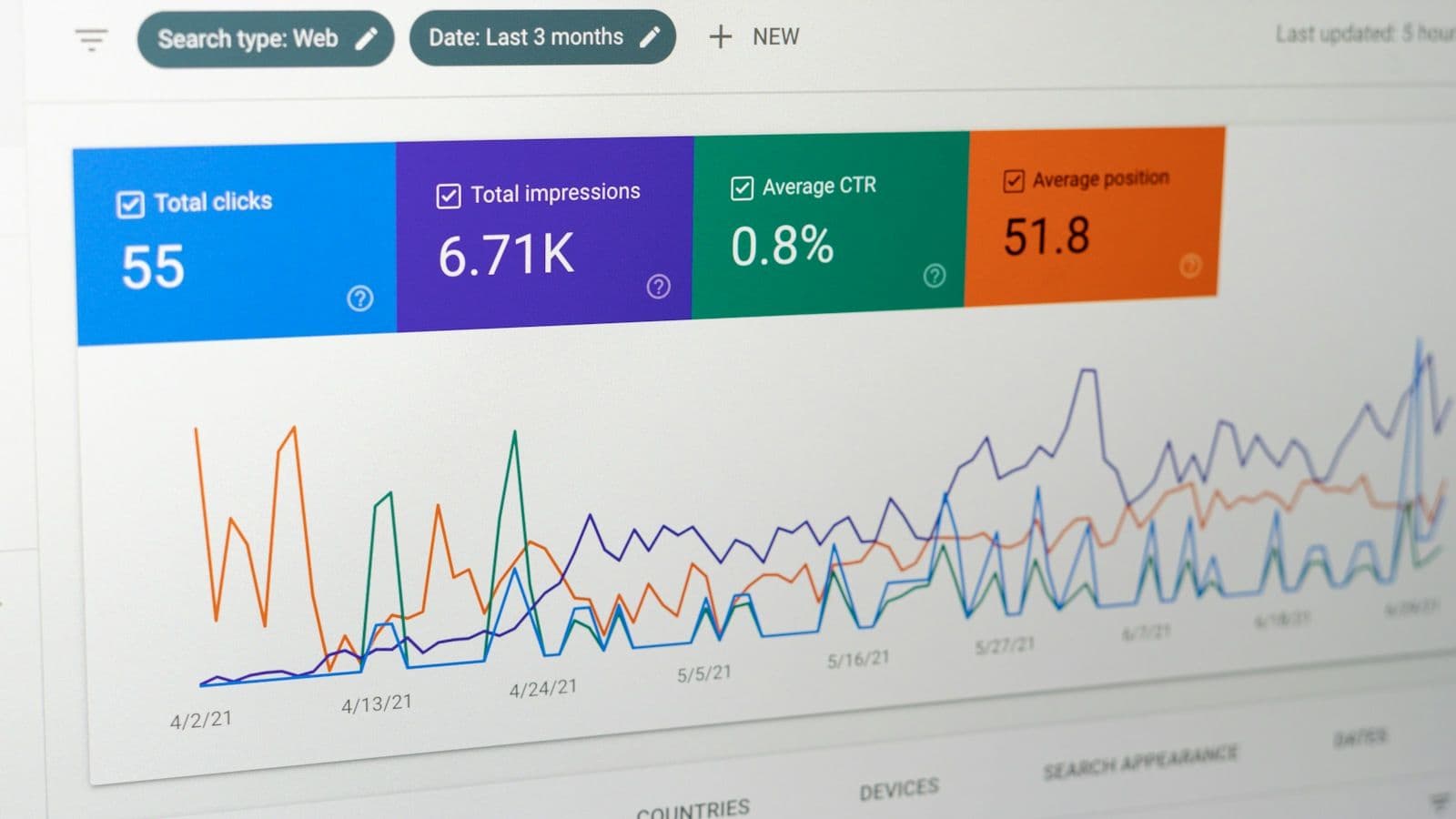
The order to check a site in — crawl, render, index, understand — what to look for at each step, and how to turn the findings into fixes a client approves.