
SEO
Someone Else Does the SEO. You Still Own the Result.
Reselling SEO is the fastest way to add a retainer and the fastest way to lose one. The difference is whether you can answer a single question.
A technical SEO audit checks whether search engines can crawl, render and index a website, and whether they understand what each page is about. This is the order to run one in, what to check at each step, and how to turn the findings into fixes a client will approve.
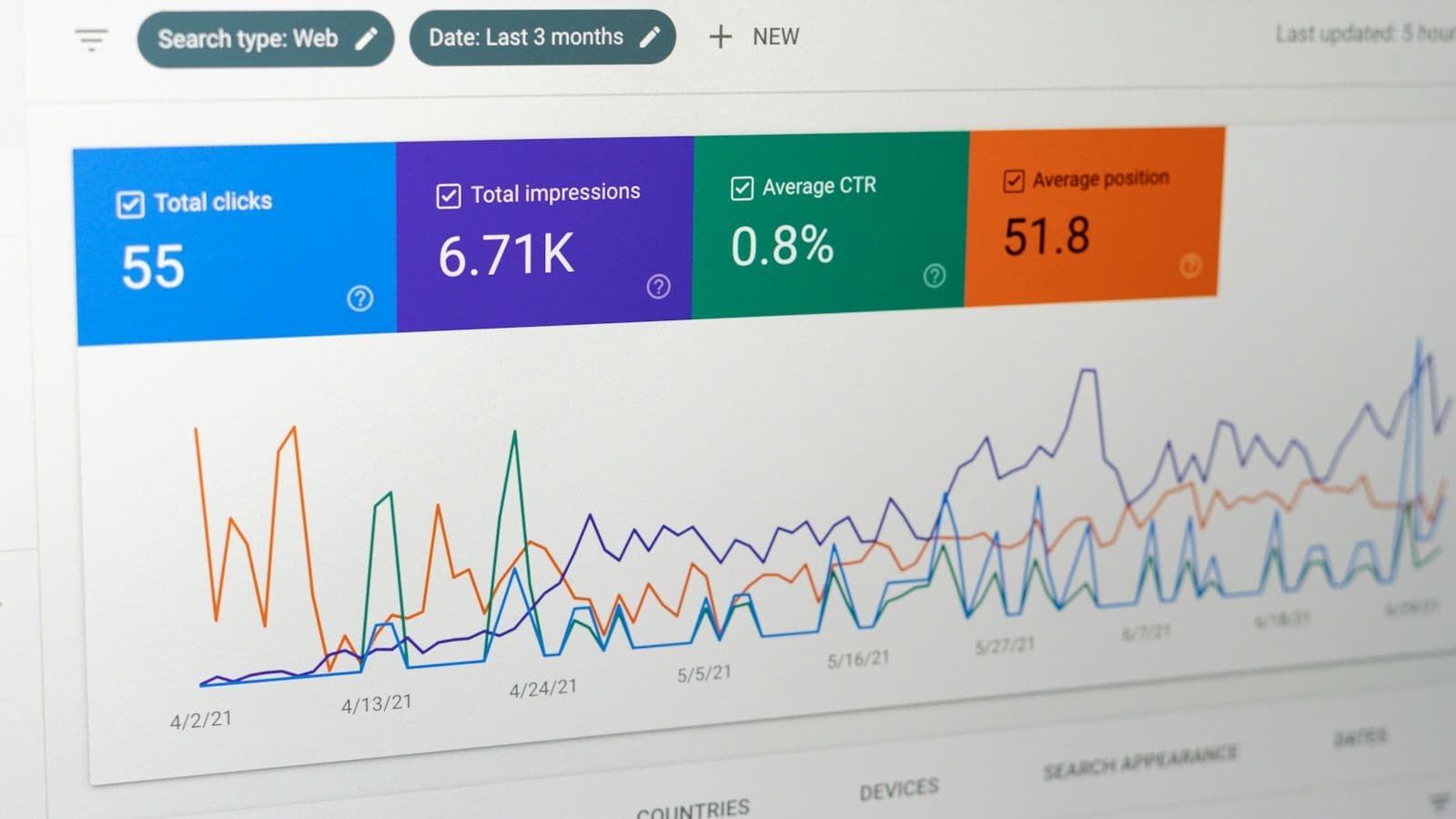
A technical SEO audit answers four questions about a website, in order: can search engines crawl it, can they render it, will they index it, and do they understand it? Content quality and backlinks matter just as much for rankings, but they are separate reviews. The technical audit covers the infrastructure that decides whether good content gets a chance to rank at all.
The order matters because each layer depends on the one before it. A well-written title does nothing on a page that robots.txt blocks, and structured data on a page marked noindex will never produce a rich result. Working top-down keeps the report from filling up with minor findings while a sitewide problem goes unnoticed.
For an agency, the audit is also a deliverable with a client on the other end. A useful one ends in a prioritized list of changes, each with an owner, rather than an export of every warning a crawler produced. The last two sections cover how to get there.
Before crawling anything, collect the access and data the audit will be measured against.
Export the Search Console performance data at the start as well. It is the baseline the client will compare results against later, and the Performance report only reaches back 16 months.
Crawlability is whether a search engine can reach a URL and fetch it. Three things control it: the robots.txt file, the HTTP status code the server returns, and the links that lead to the page.
robots.txt tells crawlers which paths they may request. It controls crawling, not indexing. Google’s documentation states that “a page that’s disallowed in robots.txt can still be indexed if linked to from other sites”. It then appears in results without a description, because Google could not read the content. In the live file, look for broad Disallow rules left over from a staging site, blocked CSS or JavaScript files that pages need in order to render, and a Sitemap line that points at the current sitemap.
Every URL in the crawl should return the status code its purpose calls for. These are the ones to review.
| Status | What it means for search | What to check |
|---|---|---|
| 200 OK | The page can be indexed | Error or empty pages that return 200 (soft 404s) |
| 301 / 308 | Permanent redirect; a signal that the target should be canonical | Chains of several hops, loops, and redirects to irrelevant pages |
| 302 / 307 | Temporary redirect; followed, but not used as a canonical signal | Temporary redirects that have become permanent in practice |
| 404 / 410 | The page does not exist and will drop out of the index | Internal links and sitemap entries that still point to it |
| 5xx / 429 | Server error or overload; Google slows its crawling | Intermittent errors under load and timeouts on heavy templates |
Google’s crawlers follow up to 10 redirect hops, but every hop slows crawling, so internal links should point at the final URL. Repeated server errors matter beyond the pages that return them: Google slows its crawl of the whole site, and indexed URLs that keep failing are eventually dropped.
Search engines discover most pages by following links, and Google can only follow them reliably when they are <a> elements with an href attribute. Navigation built from click handlers on other elements may not be followed. In the crawl, look for orphan pages (URLs in the sitemap or analytics that no internal link points to), important pages buried many clicks from the home page, and internal links that point at redirects instead of the final URL.
A page that can be crawled still has to be chosen for the index. The robots meta tag, the X-Robots-Tag HTTP header and the canonical link all influence that choice.
A noindex rule keeps a page out of Google’s results, but only if Google can see it. Google’s documentation is explicit that “for the noindex rule to be effective, the page or resource must not be blocked by a robots.txt file”. A robots.txt block on a noindexed page is one of the most common reasons an unwanted URL stays in search results. The other common failure runs the opposite way: a noindex left in the templates after a staging site goes live.
The rel="canonical" link tells Google which URL you prefer when several URLs show the same content: parameters, trailing slashes, print versions, HTTP and HTTPS. Google describes it as a strong signal rather than a rule. It is weighed together with redirects, internal links and sitemap entries, and Google may choose a different URL. The URL Inspection tool shows both the canonical you declared and the one Google selected. When they differ on important pages, the site’s signals contradict each other, and the fix is to make them agree.
Check that each canonical is an absolute URL, appears once per page, and points at a page that returns 200 and is neither redirected nor noindexed.
Search Console’s Page indexing report lists why known URLs are not indexed. These are the reasons you will see most often in an audit, and where to start with each.
| Reason in the report | What it usually means | First check |
|---|---|---|
| Crawled - currently not indexed | Google fetched the page and has not indexed it | Thin or duplicated content; weak internal linking |
| Discovered - currently not indexed | Google knows the URL but postponed crawling it | Internal links to the page; server capacity on large sites |
| Duplicate without user-selected canonical | Google found duplicates and chose a canonical itself | Declare canonicals; consolidate near-duplicate pages |
| Alternate page with proper canonical tag | The page points to another canonical, as intended | Usually nothing to fix |
| URL marked ‘noindex’ | A noindex rule was found | Confirm every one is intentional |
| Soft 404 | The page returns 200 but looks like an error or empty page | Return a real 404 or 410, or give the page real content |
| Page with redirect | The URL redirects elsewhere | Remove it from sitemaps and internal links |
Not every excluded URL is a problem. The audit question is whether the pages the business depends on are indexed, and whether everything excluded was excluded on purpose.
An XML sitemap lists the URLs you want search engines to crawl and index. It does not guarantee indexing, but it is the clearest statement a site makes about which of its URLs are canonical. Check that:
<lastmod> reflects the date the content actually changed. Google uses it only when it is consistently accurate, and ignores <priority> and <changefreq> altogether;Then compare the sitemap with the crawl. Sitemap URLs that the crawl could not reach through links are likely orphan pages. Indexable URLs the crawl found that are missing from the sitemap usually mean the sitemap is generated from a different source than the site’s actual pages.
Google Search runs JavaScript with an evergreen version of Chromium, so content built with JavaScript can be indexed. Rendering still adds a dependency. Pages wait in a rendering queue, anything that appears only after a click or scroll may not be seen, and a noindex rule in the initial HTML can stop rendering altogether, so JavaScript cannot reliably remove one.
Compare the raw HTML with the rendered HTML for each template. The live test in the URL Inspection tool shows the HTML Google rendered and lists any resources it could not load. Confirm that the title, robots meta tag, canonical, main content, internal links and structured data all appear in the rendered output. Ideally they are already in the initial HTML, which removes the dependency entirely; server-side rendering or static generation is the most reliable way to guarantee that on content-heavy sites.
Check the size of the HTML too. Googlebot crawls the first 2 MB of an HTML file, and content beyond that point is not considered. Pages built with heavy inline styles, scripts or embedded data from a page builder can approach that limit.
These elements are usually filed under on-page SEO, but at audit scale they are a technical matter: the problems come from templates, not individual pages.
h1 on every page, blur that structure.<img> elements for any image that should appear in image search, because Google doesn’t index CSS images. Alt text should describe the image, not repeat keywords.Structured data describes a page’s content in a vocabulary search engines read directly, usually schema.org types written in JSON-LD, which is the format Google recommends. It makes pages eligible for rich results and helps search engines connect entities such as a business, its locations and its services. For most agency clients the useful types are Organization or LocalBusiness on the home and contact pages, BreadcrumbList across the site, Article or BlogPosting on posts, and Product where a page genuinely sells one.
Two rules apply. The markup must describe content that is visible on the page (Google’s policy is “don’t mark up content that is not visible to readers of the page”), and it must be valid. Use two validators, because they answer different questions: Google’s Rich Results Test checks eligibility for the rich results Google supports, and the Schema Markup Validator checks schema.org markup in general.
Google uses the mobile version of a site’s content, crawled with its smartphone agent, for indexing and ranking. The mobile rendering is therefore the version to audit. Confirm that it carries the same content, headings, structured data, internal links and meta tags as the desktop version, because content removed from a mobile layout is content Google does not see.
Every page should load over HTTPS, with HTTP URLs permanently redirected to their HTTPS equivalents and no mixed content. Then review Search Console’s Core Web Vitals report. It uses field data from real Chrome users and groups similar URLs together, which makes it a good signal at the template level. What each metric measures and how to improve it is covered in Core Web Vitals Explained.
A crawler will report hundreds of issues on almost any site, so the value of the audit lies in the order of the list. Score each finding on how many important pages it affects and how directly it blocks crawling, indexing or understanding. Group findings that share a cause: one template fix often clears hundreds of rows.
| Priority | Typical findings | Why it matters |
|---|---|---|
| Critical | Sitewide noindex or robots.txt block; key pages returning 4xx or 5xx; canonicals pointing at the wrong host | Pages are excluded from search, or about to be |
| High | Redirect chains and internal links to redirects; soft 404s; duplicate templates without canonicals; content missing from the rendered or mobile HTML | Signals are split, or content is not seen |
| Medium | Missing or repeated titles and descriptions; invalid structured data; orphan pages; sitemap errors | Pages are indexed but poorly described |
| Low | Missing alt text on decorative images; minor heading-order issues | Fix during normal maintenance |
Each finding in the report should name the affected URLs or template, the evidence (a URL Inspection result, a crawl export), the change required, and who will make it. The last field decides whether the audit produces results. Findings that wait months for someone to implement them are a common way SEO engagements stall, a problem covered in more detail in the piece on white-label SEO.
Run a full audit at the start of an engagement, before and after any redesign or migration, and once or twice a year after that. Between audits, monitoring catches regressions sooner: Search Console’s email alerts for new indexing issues, a scheduled crawl compared against the previous one, and a look at the Page indexing report after any release that touches templates, routing or robots rules.
A redesign carries more search risk than routine changes, and it has its own process: how to relaunch a website without losing rankings. For the audit itself, this is the summary to work from.
Reselling SEO is the fastest way to add a retainer and the fastest way to lose one. The difference is whether you can answer a single question.

Most ranking losses after a redesign come from a few preventable changes. This is the migration process to run alongside the design work.
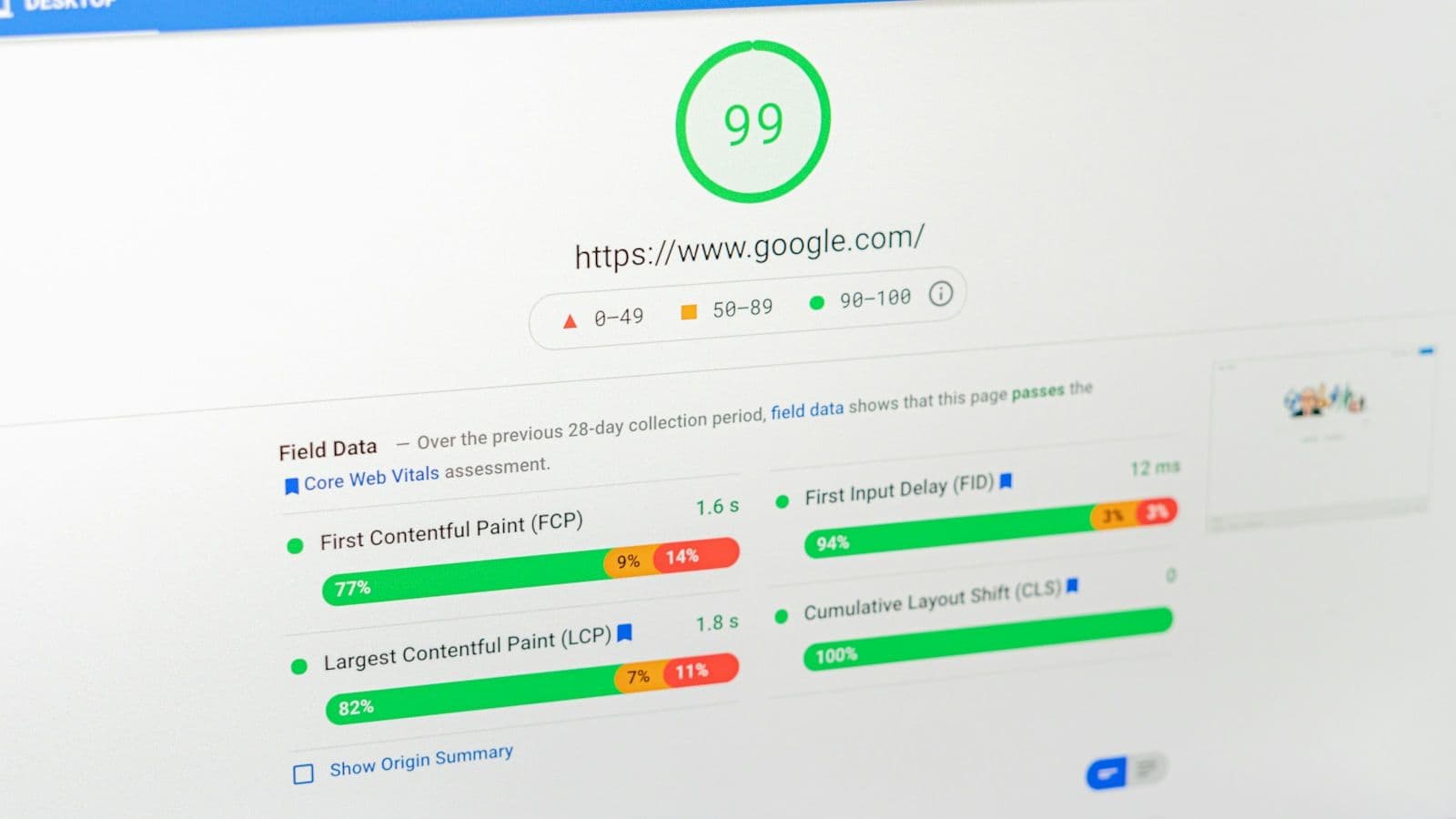
Three metrics, published thresholds, and a set of design decisions that settle most of the score before any code is written.