Web Design
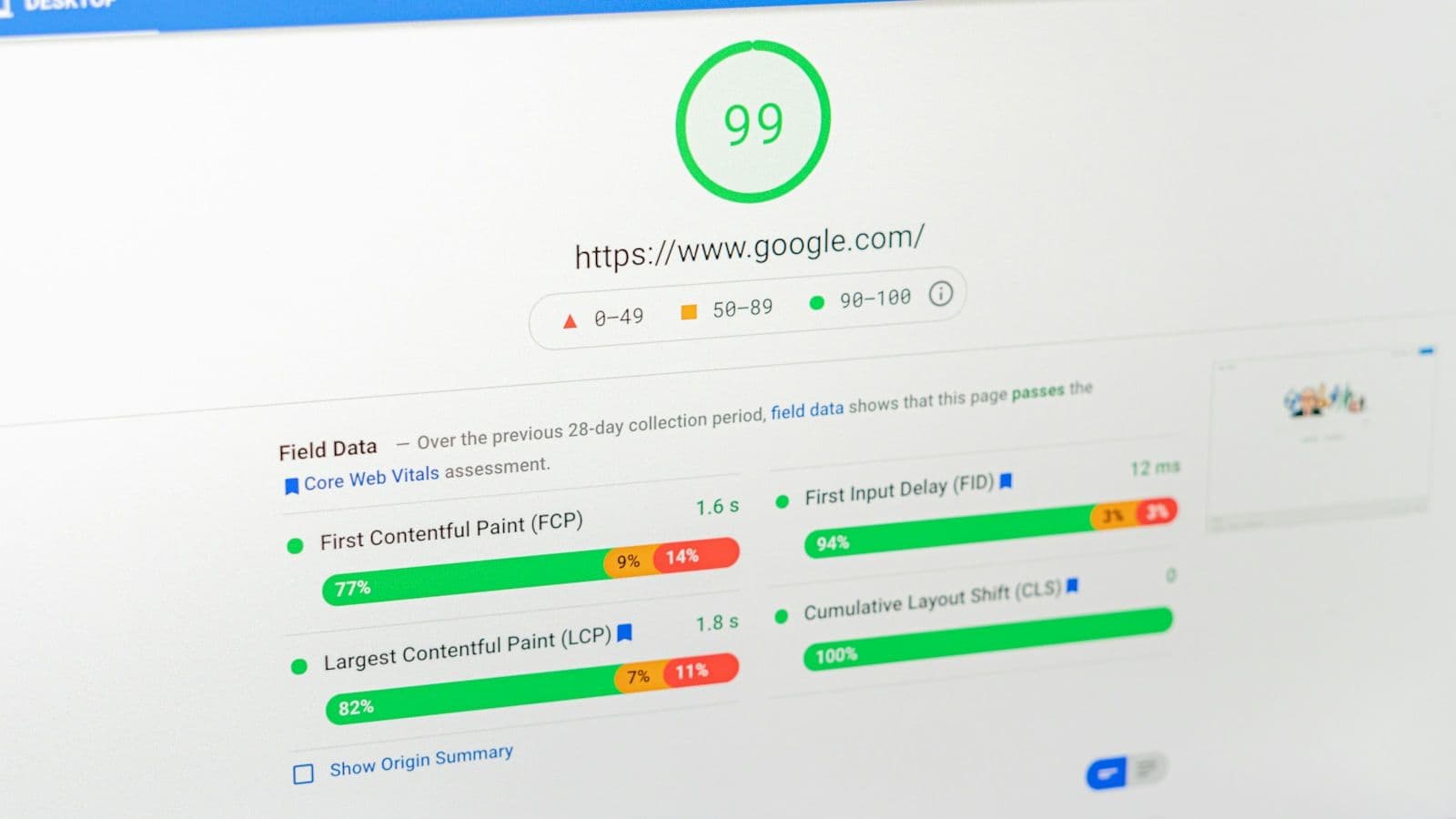
Core Web Vitals Explained: LCP, INP and CLS for Web Designers
Three metrics, published thresholds, and a set of design decisions that settle most of the score before any code is written.
Most ranking losses after a redesign trace back to a few preventable changes: URLs that move without redirects, content that disappears with the old templates, and staging settings that go live with the new site. This is the migration process to run alongside the design work, from the first benchmark to the weeks after launch.

A redesign changes more than the look of a site. New templates change the HTML search engines read, a new information architecture changes URLs and internal links, and a content pass changes what each page is about. Search engines reassess pages when those signals change, so some movement is normal even when the migration is handled well. Google’s site-move guide tells site owners to “expect temporary fluctuation in site ranking during the move”.
Losses that last are a different matter. They almost always come from one of a short list of causes:
Every item on that list can be caught before launch. The rest of this guide is the order in which to look for them.
Start by writing down which layers of the site the project changes, because the risk rises with each one. A visual refresh on the same URLs and copy is a low-risk project. A new domain, a new CMS and a new URL structure launched on the same day is several migrations at once.
| What changes | Example | Risk | SEO work required |
|---|---|---|---|
| Visual design only | New styles on the same templates, URLs and copy | Low | Crawl comparison before launch; Core Web Vitals check |
| Templates and navigation | New layouts, menus or footer | Moderate | Content and internal-link comparison for each template |
| Content | Pages merged, removed or rewritten | Moderate to high | Content inventory; redirects or 404/410 for removed pages |
| URL structure | New paths or slugs | High | Full redirect map; internal links, canonicals and sitemaps updated |
| Platform or CMS | A move to a new CMS or framework | High | All of the above, plus rendering and template parity checks |
| Domain | A new domain name | High | All of the above, plus the Change of Address tool |
Google’s own advice is to separate these changes. Its site-move guide has a section headed “Change only one thing at a time”, which says that if you want to “move your site to a new domain name, change your content management system (CMS), and update your site to use a new layout, do them one at a time”. When everything changes on the same day and traffic drops, there is no clean way to tell which change caused it.
That is not always possible: clients often want the new brand, platform and design together. When it is not possible, the benchmark and the redirect map below matter more, not less.
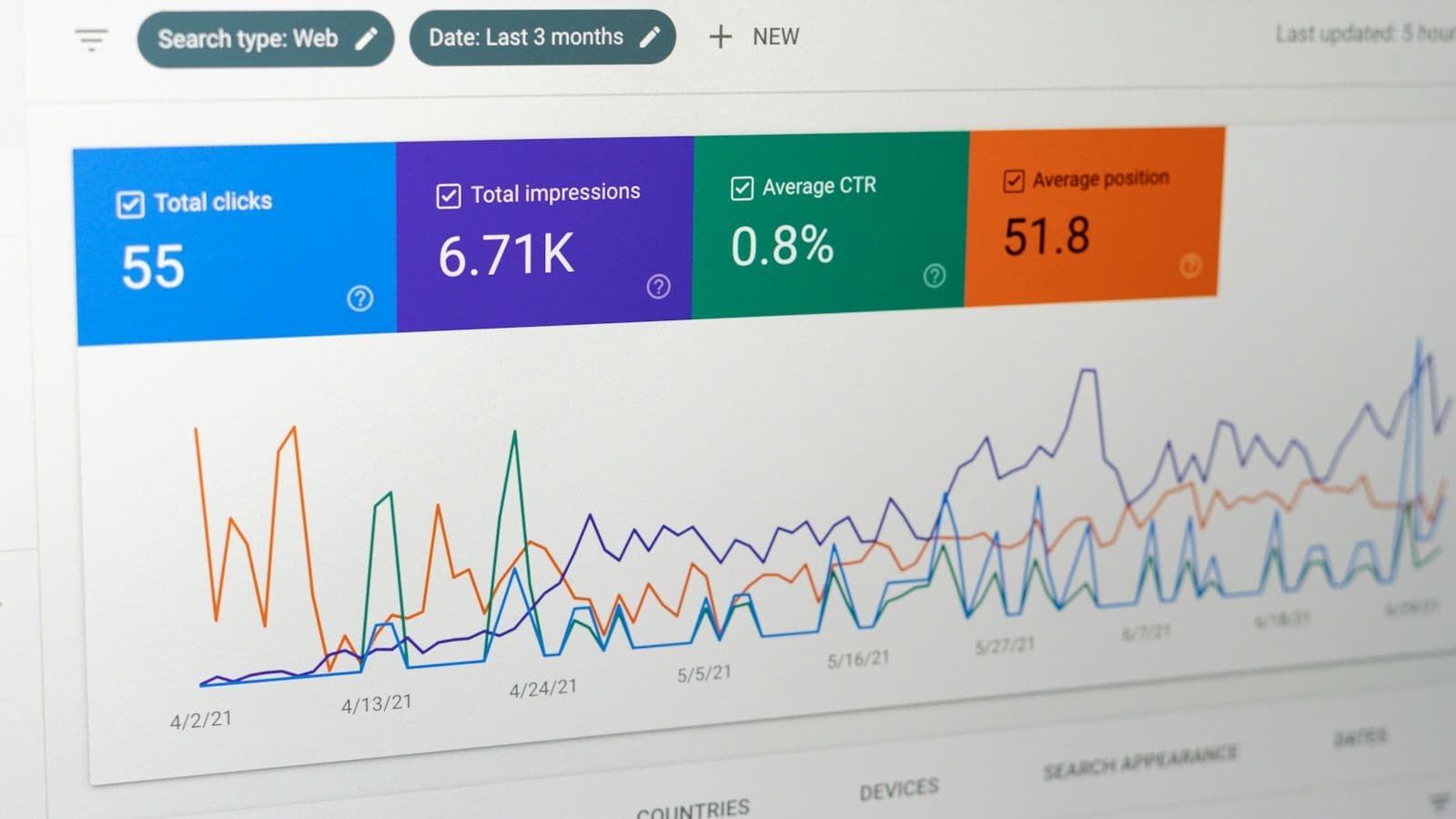
Record the current state of the site before anything changes. After launch, the benchmark is the only way to tell normal fluctuation from a real loss, and the old site will not be there to crawl again.
From this data, mark the pages that carry the site’s search traffic: those with meaningful organic clicks, conversions or external links. On most small-business sites that is a short list, and it is where most of the remaining migration effort should go.
The redirect map is a spreadsheet with one row for each old URL and a column for its new destination. In a redesign that changes URLs, it is the most important SEO deliverable in the project. Google’s guidance is direct: “It’s important to map your old site’s URLs to the URLs for the new site.”
| Old URL | New URL | Response | Note |
|---|---|---|---|
| /services/web-design.html | /web-design/ | 301 | Top organic landing page |
| /blog/2021/05/choosing-a-cms | /blog/choosing-a-cms/ | 301 | Dates removed from post paths |
| /about-us/our-team | /about/ | 301 | Team content merged into About |
| /offers/spring-2023 | None | 410 | Expired offer with no replacement |
| /index.php?page=contact | /contact/ | 301 | Legacy URL that other sites link to |
Then update the site itself to use the new URLs directly: internal links, canonical tags (each new page should carry a self-referencing canonical), hreflang annotations and XML sitemaps. Redirects exist for external links and bookmarks. The site’s own navigation should never depend on them.
For each page on the priority list, compare the old and new versions before launch.
A redesign is also a sensible time to fix what the benchmark showed was already broken: thin pages, duplicate titles, missing structured data. Log those changes separately. When you read the post-launch data, you will want to know which movements came from improvements and which came from the migration.
The new site needs to stay out of search results while it is built, then become fully indexable the moment it launches. Google’s documentation states that robots.txt “is not a mechanism for keeping a web page out of Google”; for that, it points to a noindex rule or password protection. For a staging site holding unreleased client content, password protection is the safer choice, because it keeps out people as well as crawlers.
Whichever method you use, control it through environment configuration rather than hard-coding it into templates. A noindex written into a template is the one most likely to reach production. Before launch, crawl the staging site with authentication and confirm that:
Google’s list of common migration mistakes opens with the one this checklist is built around: “Don’t forget to remove any noindex or robots.txt blocks that were only needed for the migration.”
Check the new site daily for the first week and weekly for the two months after that, comparing it against the benchmark.
As a general rule, a small to medium-sized website can take a few weeks for most pages to move, and larger sites take longer.
Old URLs may also keep appearing in results for a while after the new ones are indexed, which Google describes as normal. A decline that is still deepening after several weeks, or one concentrated on particular pages, usually has a specific cause: a missing redirect, removed content, a lost internal link. The benchmark comparison is how you find it.
For an agency, migration work is easiest to protect when it is written into the proposal: a line item for the benchmark and the redirect map, a named owner for each step, and client sign-off on which URLs and content are changing. It also sets expectations. A client who was told in writing that rankings can fluctuate for several weeks reads a dip as part of the plan, not as a problem with the work.
A few weeks after launch, run a full technical SEO audit on the new site to catch what the launch checks missed, and review the new templates against Core Web Vitals once real-user data has accumulated.
Three metrics, published thresholds, and a set of design decisions that settle most of the score before any code is written.
The order to check a site in — crawl, render, index, understand — what to look for at each step, and how to turn the findings into fixes a client approves.

The subscription line is the small half of what a scattered stack costs. Here is the audit that prices the other half, and the rule for deciding what to cut.